
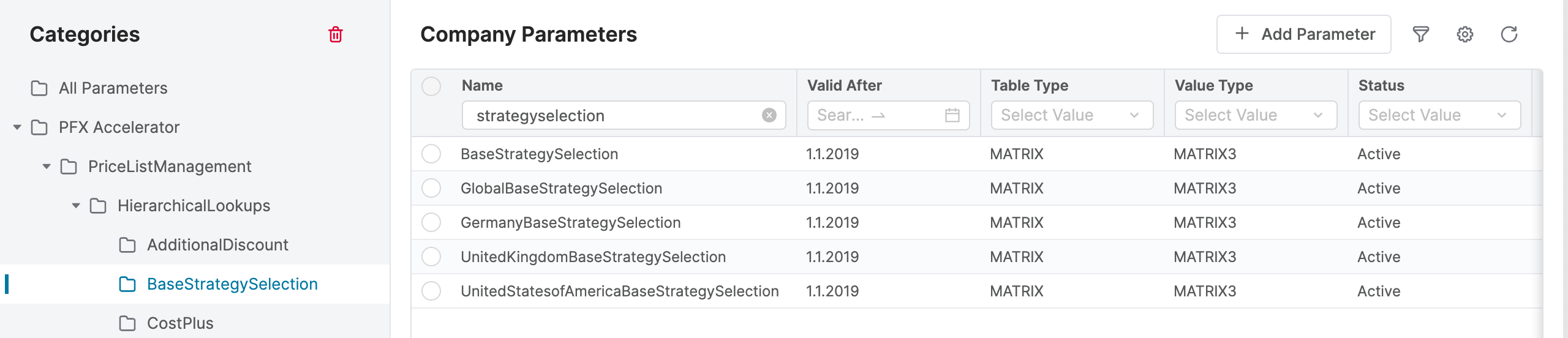
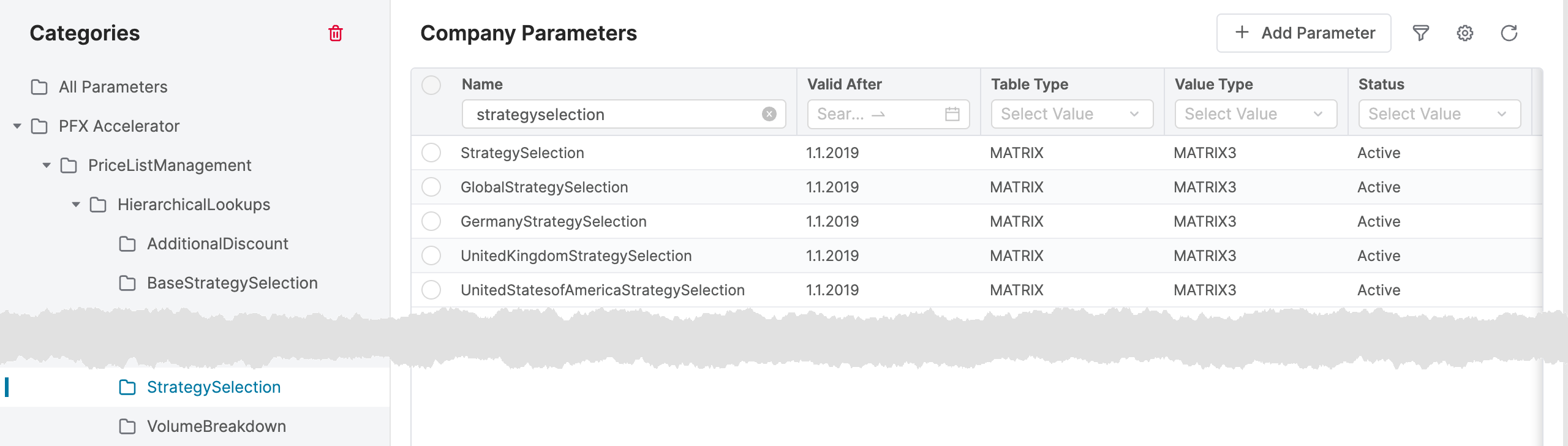
To determine which strategy applies to a given part of the business (depending on the Pricing Level and Product Segment), use tables named “*BaseStrategySelection” and “*StrategySelection”.
Steps:
-
Select which tables you want to modify – the “Base” one or the standard one. The difference is that Base strategies appear before the standard strategies. However, if they do not return any value, they will not appear in the “Prices” field in the price list/grid. In contrast, standard strategies will always appear regardless if they return a value or not.
An example of a base strategy could be some kind of a promotional price. You set up a base strategy that calculates the promotion price and when it returns a value, it shows up at the top of the calculated strategies list. If it doesn't return anything, it will not appear. This is a good reason for using the base strategy for this type of prices as they appear in the Prices field only if there actually is a promotional price at the given moment. -
Select for which Pricing Level you want to set up the strategy – if for the common level or for a specific level of the Pricing Level hierarchy. Modify the table for that Pricing Level.
On an existing project, it could happen that some of the tables were not used, so the admin deleted them. If you want to create a missing one, make it as a copy of an existing (and actively used) “*StrategySelection“ table. -
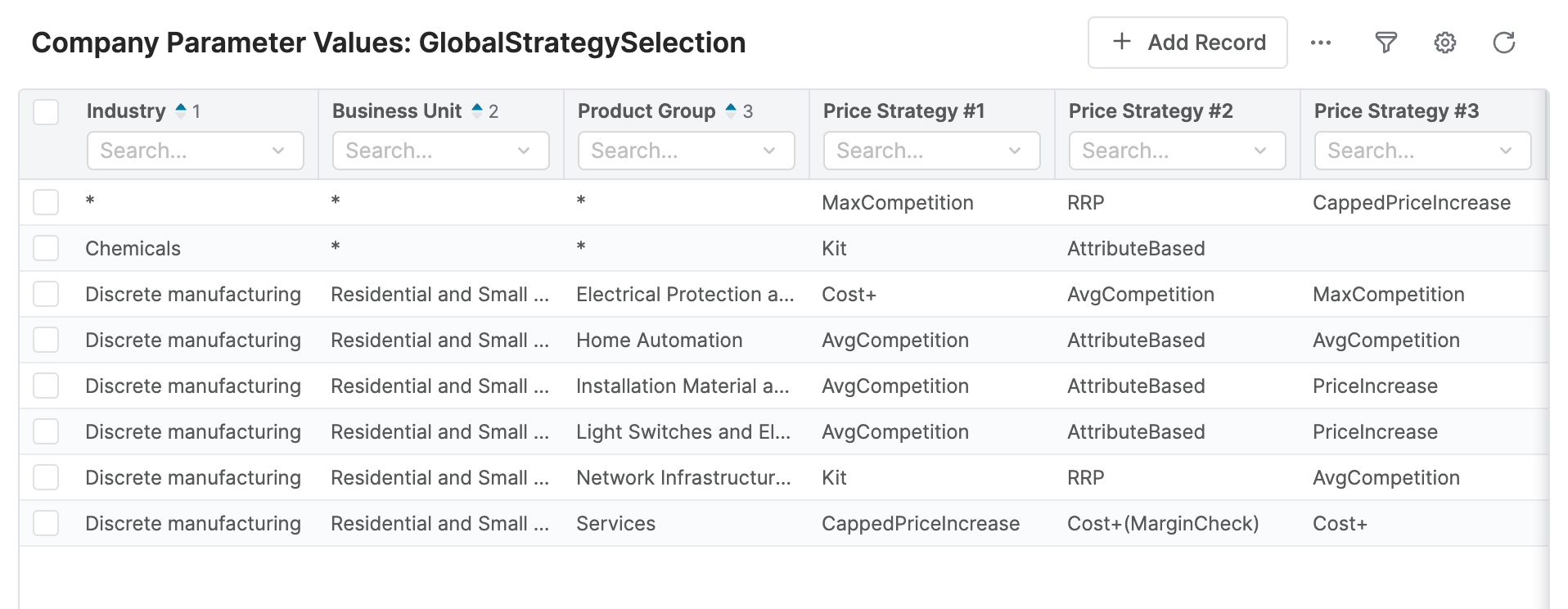
Add/modify records in the “*StrategySelection” table for a specific combination of the ProductSegment for which you want to use your pricing strategy.
-
Set up the Pricing Strategy.
-
For specific Product Segment combination or on “star” level (any value of that attribute).
-
As first, second, etc. for the Product Segment. The accelerator will first try to calculate the price using the #1 strategy, and if it fails (e.g. when data are not available), it will try #2, etc.
-
Note: Pricing strategies are defined in the Company Parameter table StrategyDefinition, so you can also find their names there.