Issue:
PlatformManager and IM information don’t match
Resolution:
Sometimes, we see information in PlatformManager which does not match the existing IM on the server. To refresh the information:
-
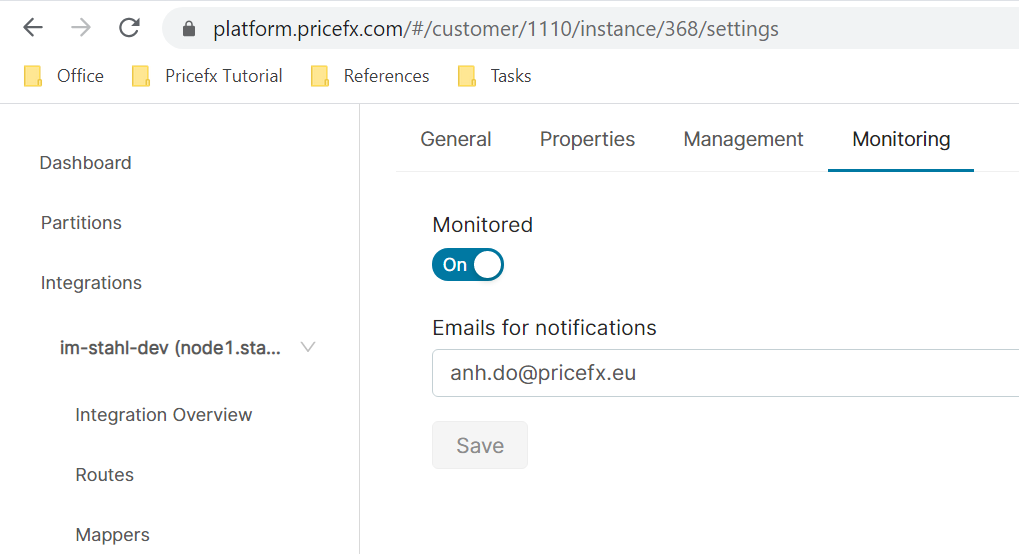
In PlatformManager, go to Account > Integrations > Monitoring tab.
-
Turn off the 'Monitored' option and click 'Save'.
-
Wait for about 10 seconds.
-
Turn on the 'Monitored' option again and click 'Save'.