This page documents the various computations that can be used to define computed variables in the problem description file.
In this section:
Computation Library
The computation library includes common arithmetic computations. To use a computation from the library, simply enter its name in snake_case as the computation parameter of the computed variable.
Summation
summation
Supported Inputs Types
fixed (two or more), all
Inputs Order
Any
Formula
operand1 + operand2 + … + operandN
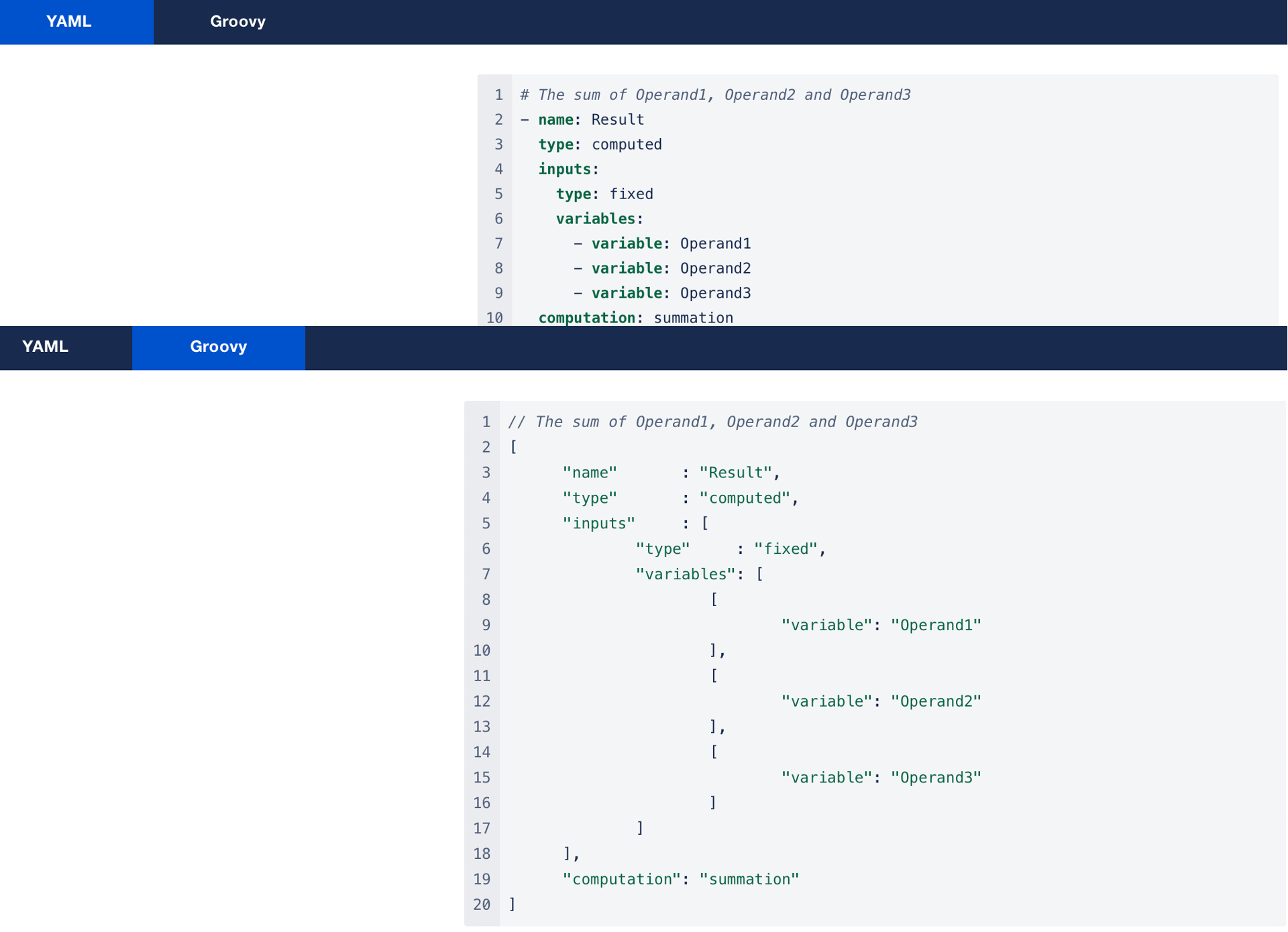
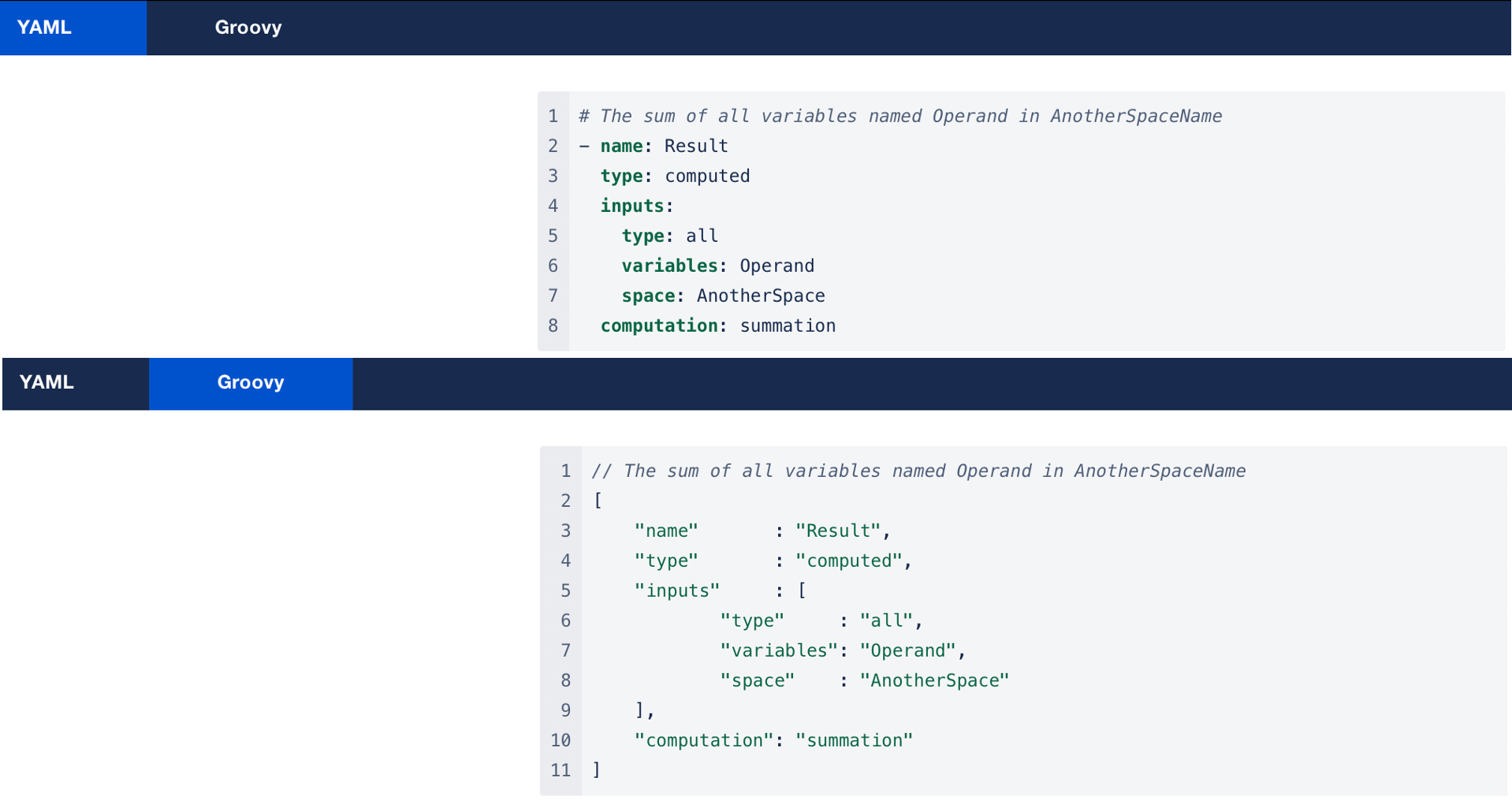
Examples
Subtraction
subtraction
Supported Inputs Types
fixed (exactly two)
Inputs Order
-
minuend
-
subtrahend
Formula
minuend - subtrahend
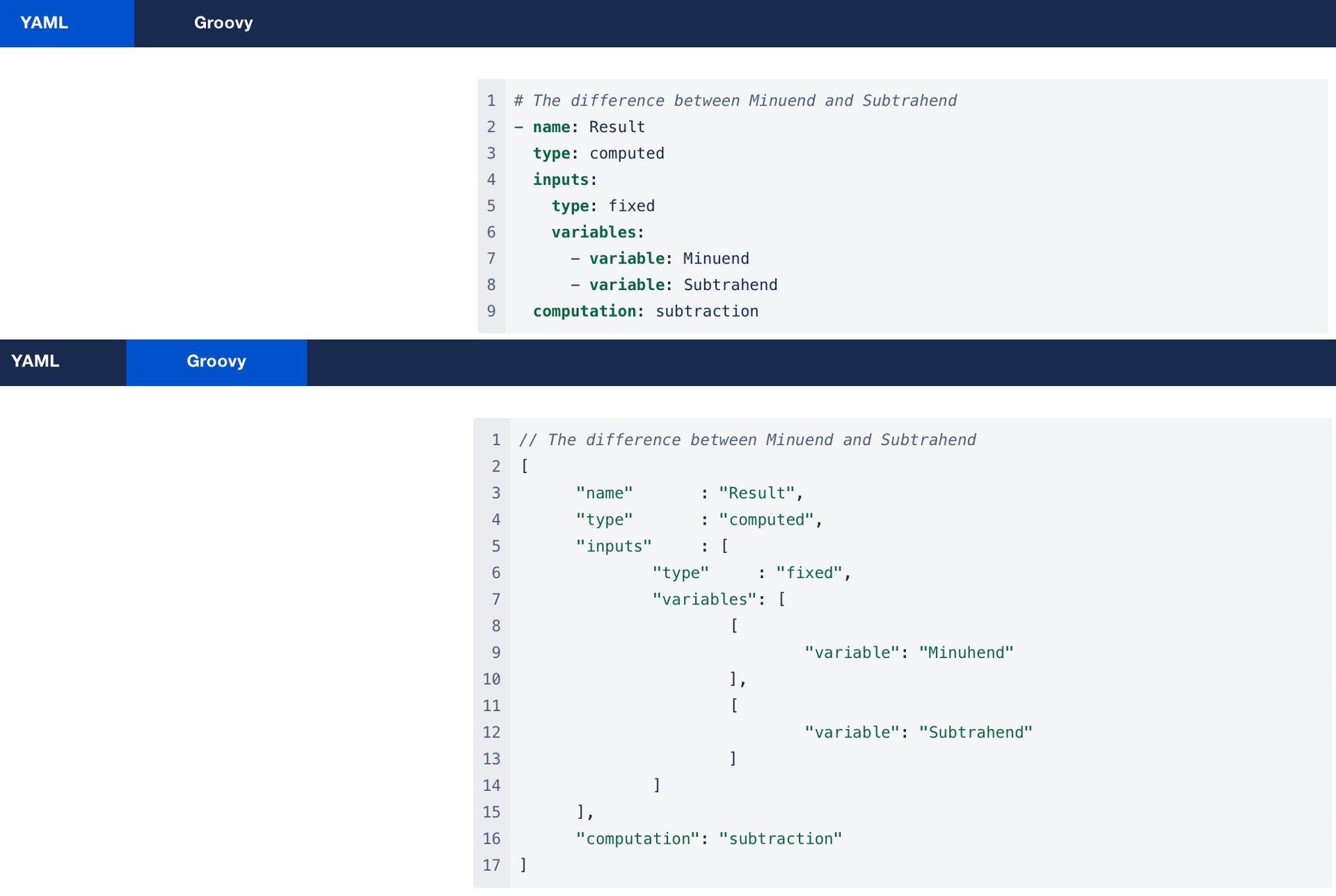
Example
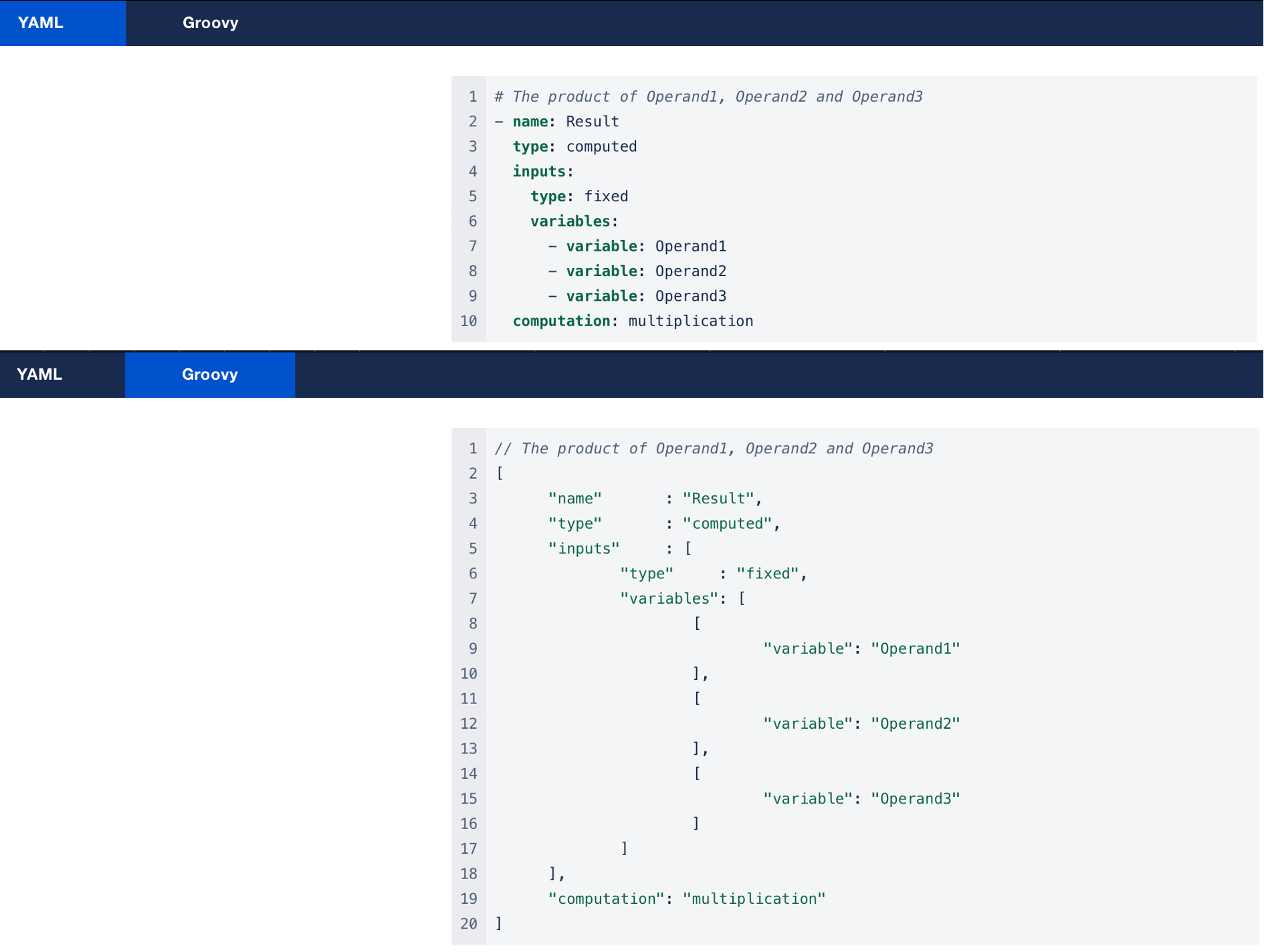
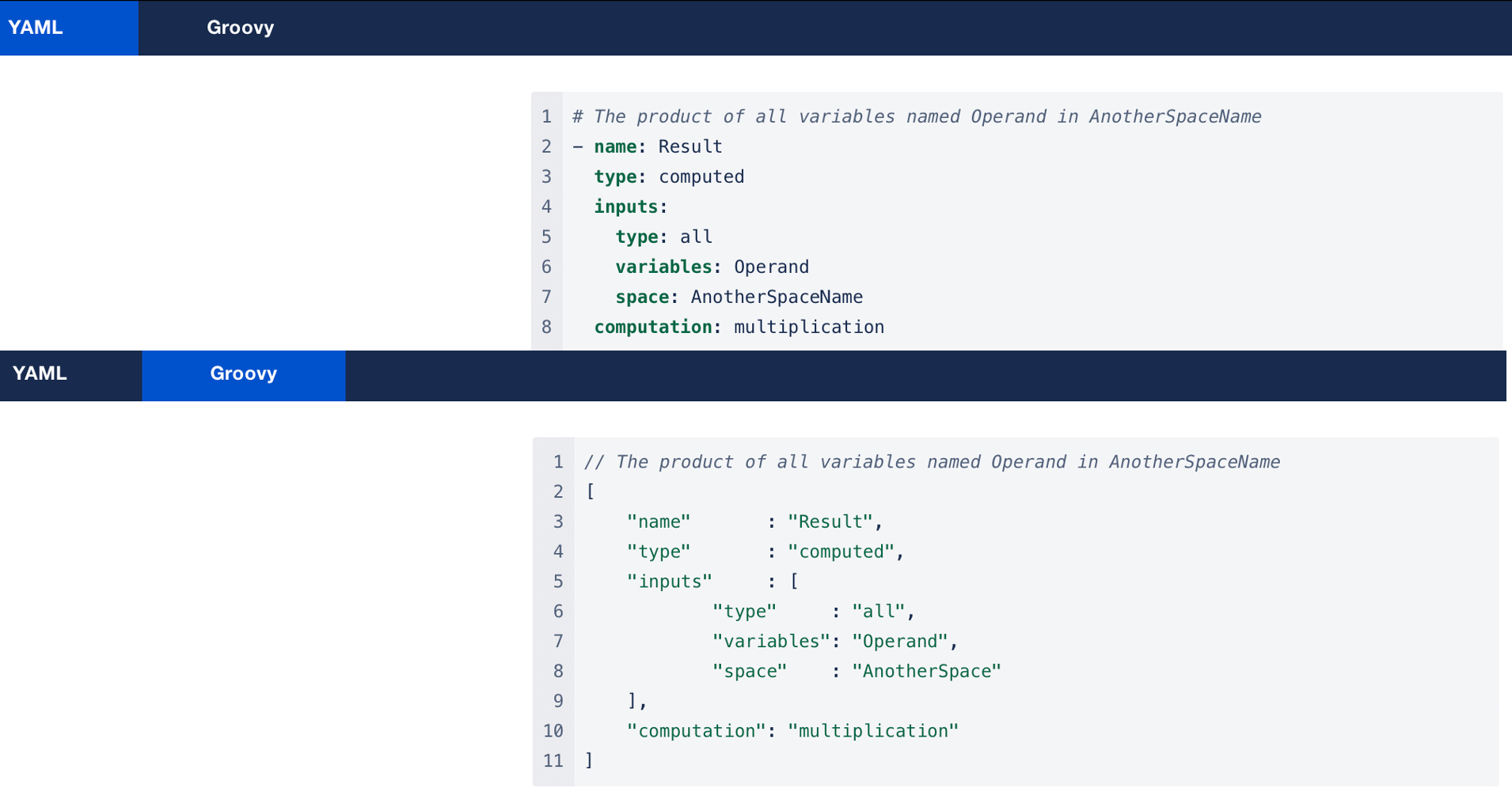
Multiplication
multiplication
Supported Inputs Types
fixed (any number), all
Inputs Order
Any
Formula
operand1 * operand2 * … * operandN
Examples
Division
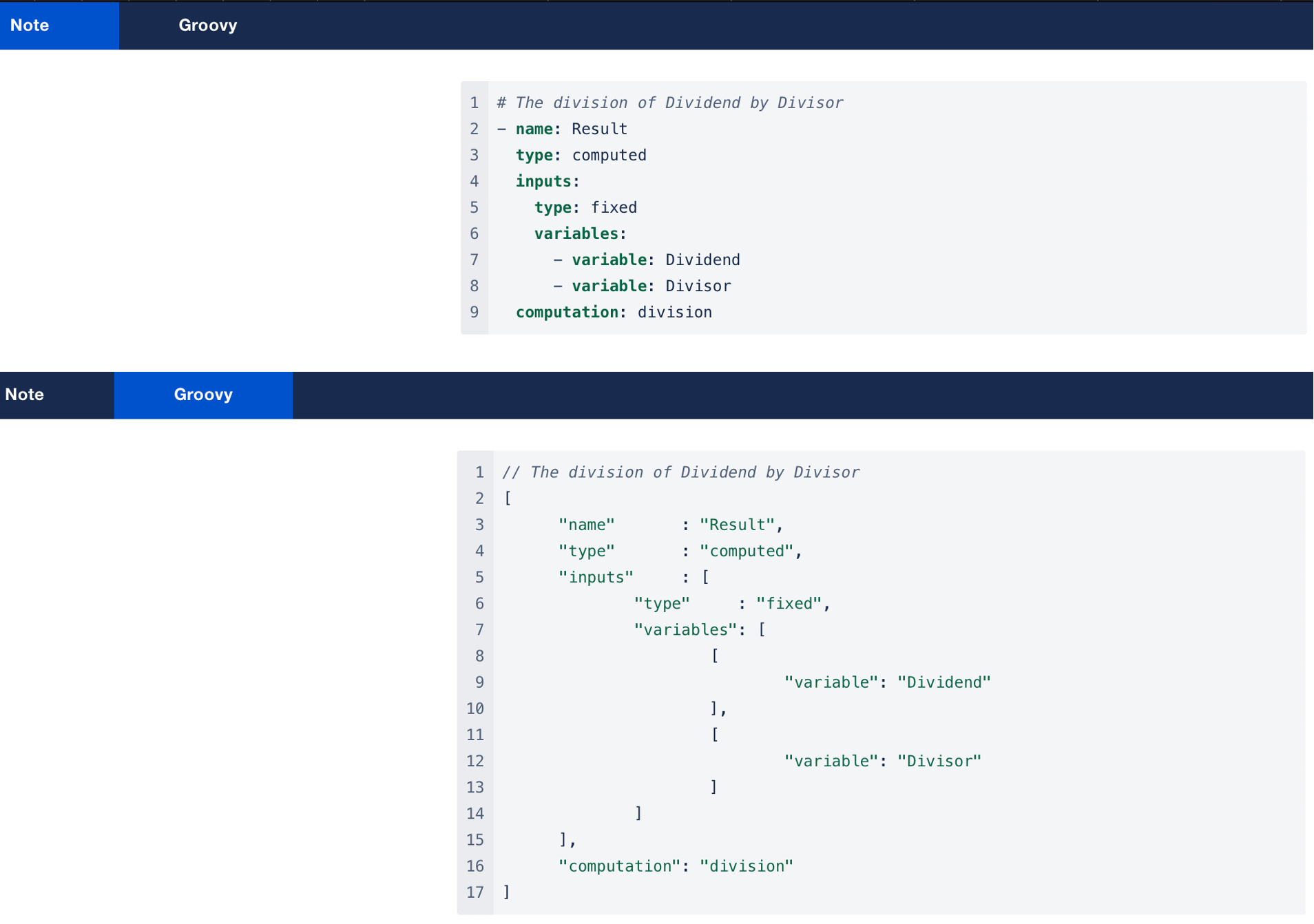
division
Supported Inputs Types
fixed (exactly two)
Inputs Order
-
dividend
-
divisor
Formula
dividend / divisor
Example
Exponentiation
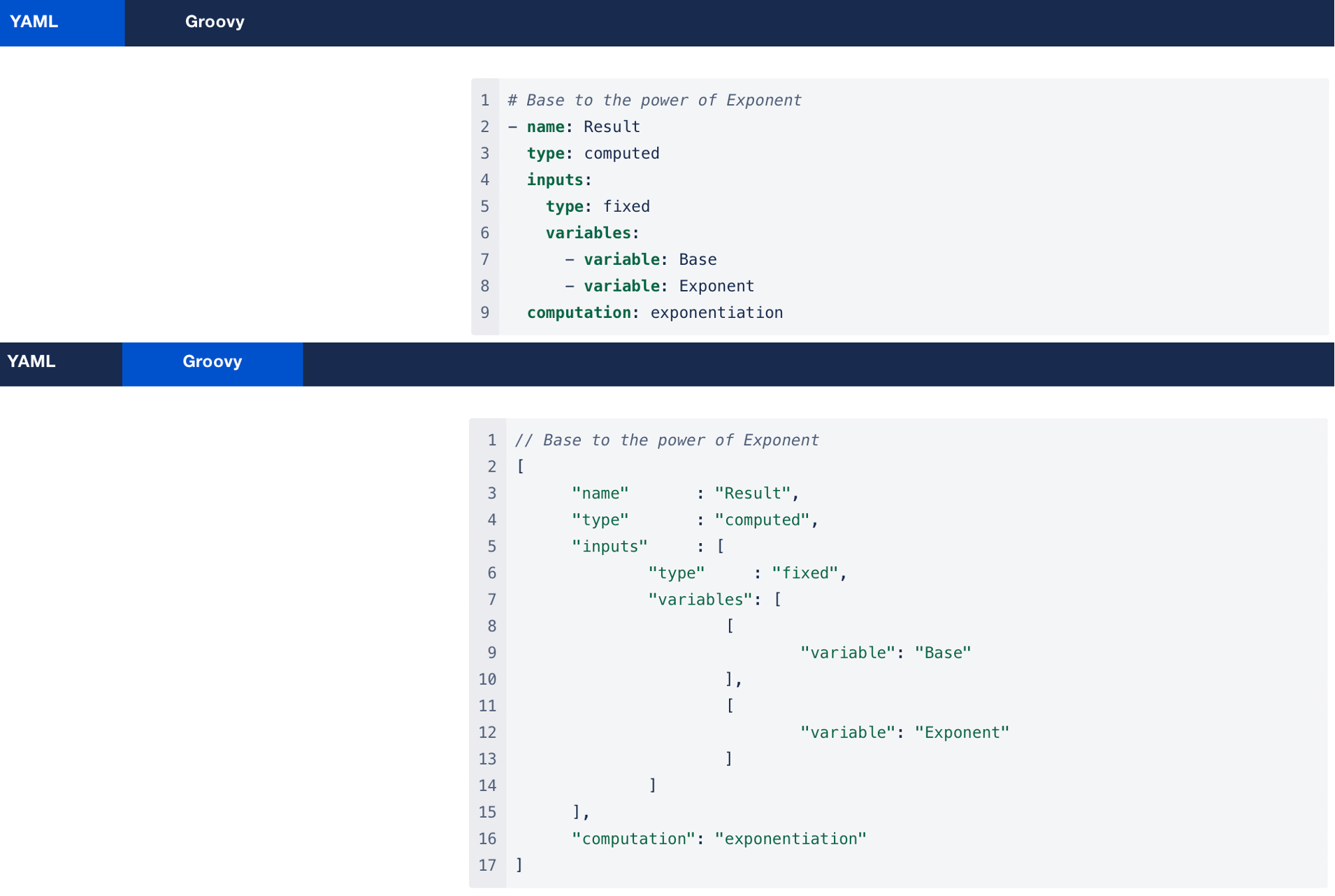
exponentiation
Supported Inputs Types
fixed (exactly two)
Inputs Order
-
base
-
exponent
Formula
base ^ exponent
Example
Rated Summation
rated_summation
Supported Inputs Types
fixed (two or more)
Inputs Order
-
base
-
rate 1
-
rate 2
-
…
-
rate N
Formula
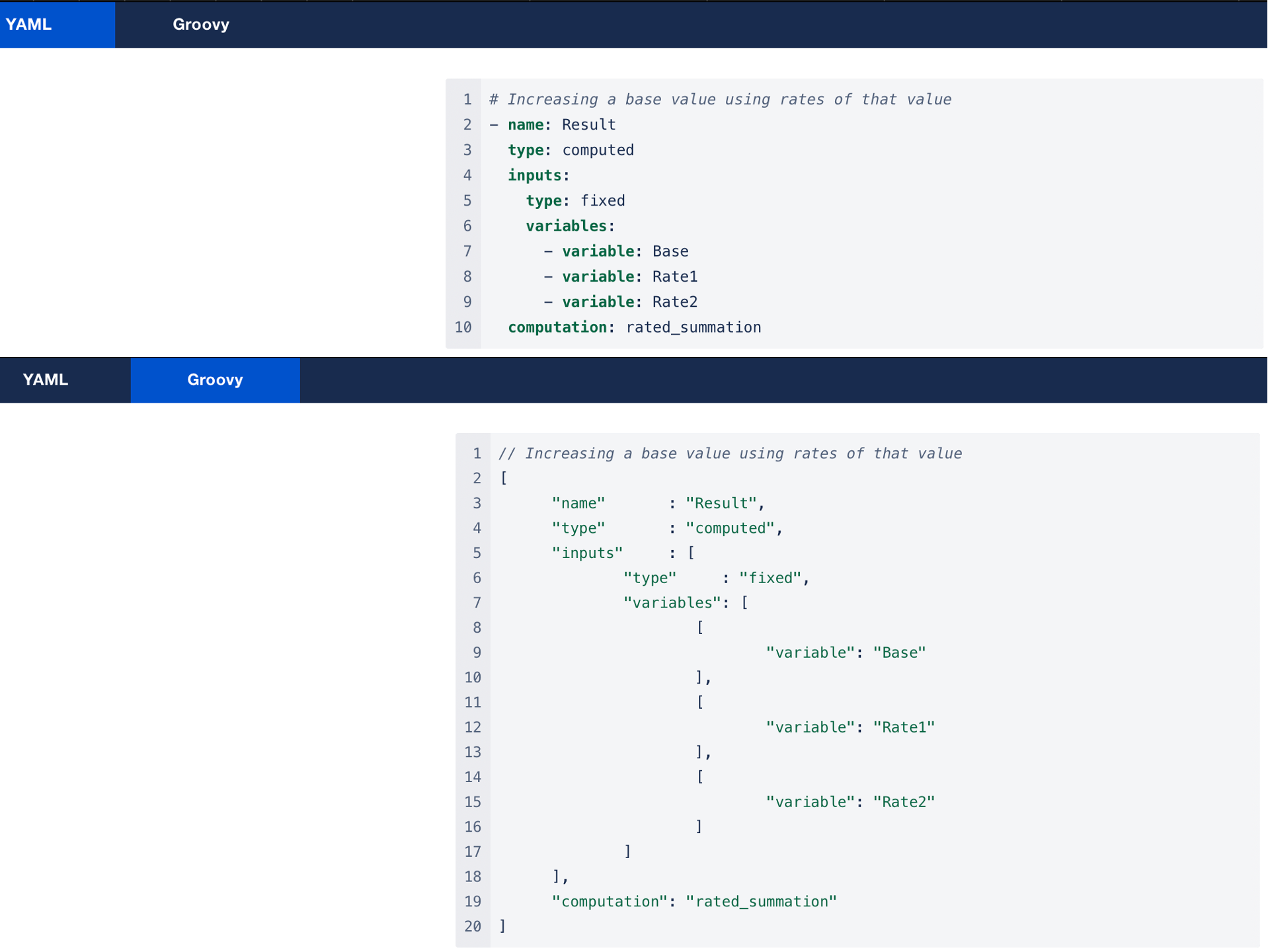
base * (1 + rate1 + rate2+ ... + rateN)
which is equal to base + base * rate1 + base * rate2 + … + base * rateN
Example
Rated Subtraction
rated_subtraction
Supported Inputs Types
fixed (two or more)
Inputs Order
-
base
-
rate 1
-
rate 2
-
…
-
rate N
Formula
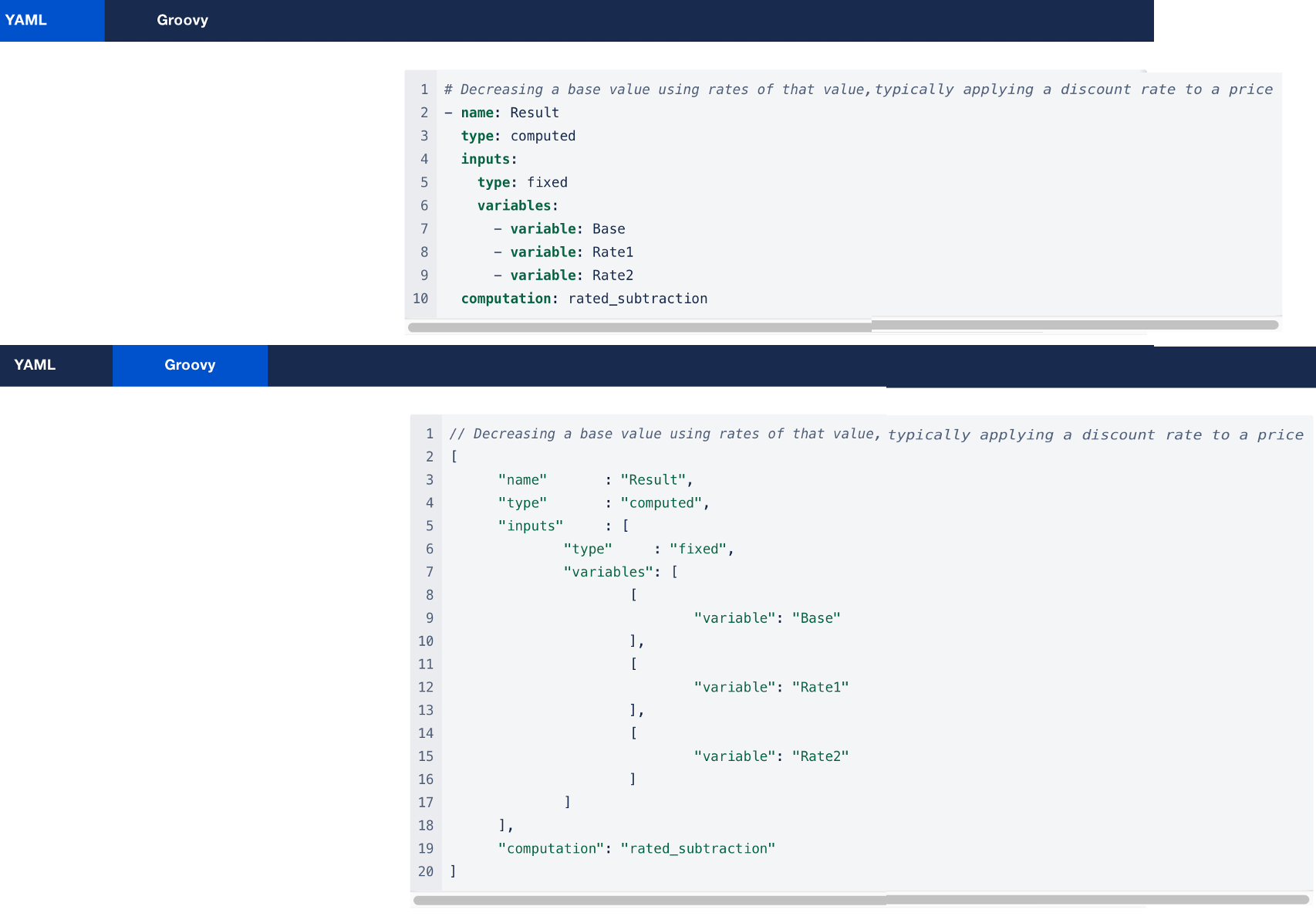
base * (1 - (rate1 + rate2+ ... + rateN))
which is equal to base - base * rate1 - base * rate2 - … - base * rateN
Example
Minimum
minimum
Supported Inputs Types
fixed (two or more), all
Inputs Order
Any
Formula
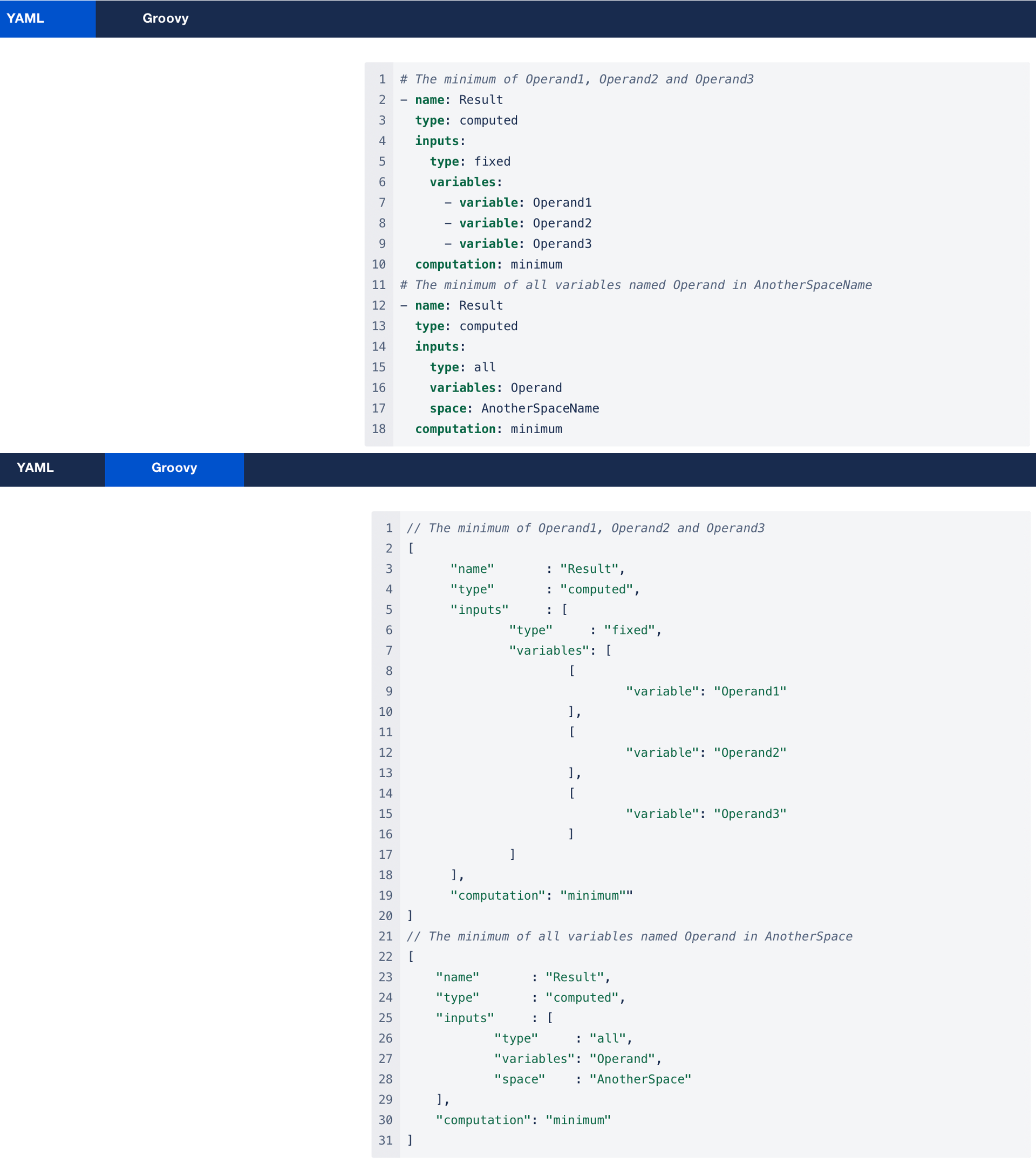
Min(operand1, operand2, …, operandN)
Examples
Maximum
maximum
Supported Inputs Types
fixed (two or more), all
Inputs Order
Any
Formula
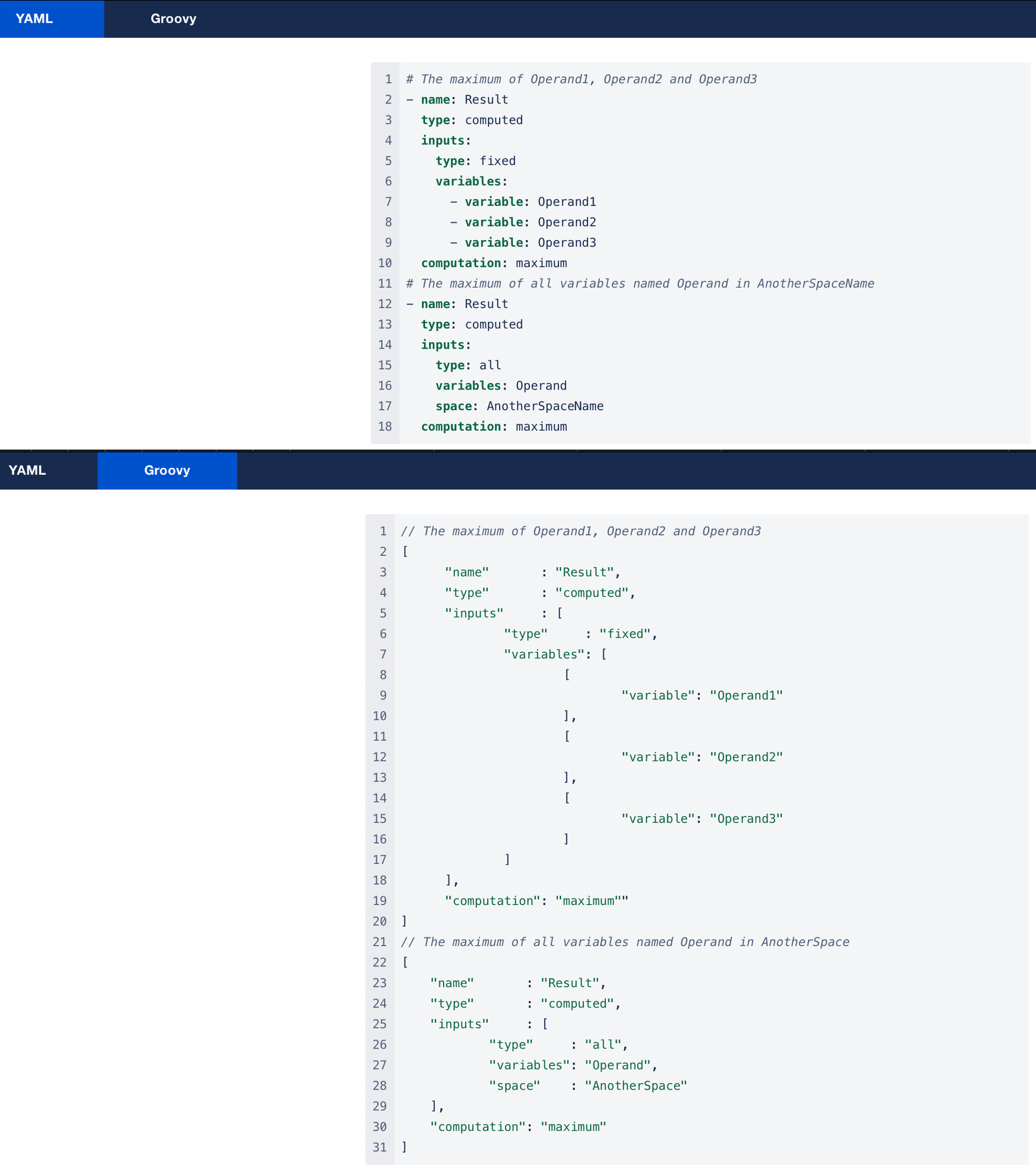
max(operand1, operand2, …, operandN)
Examples
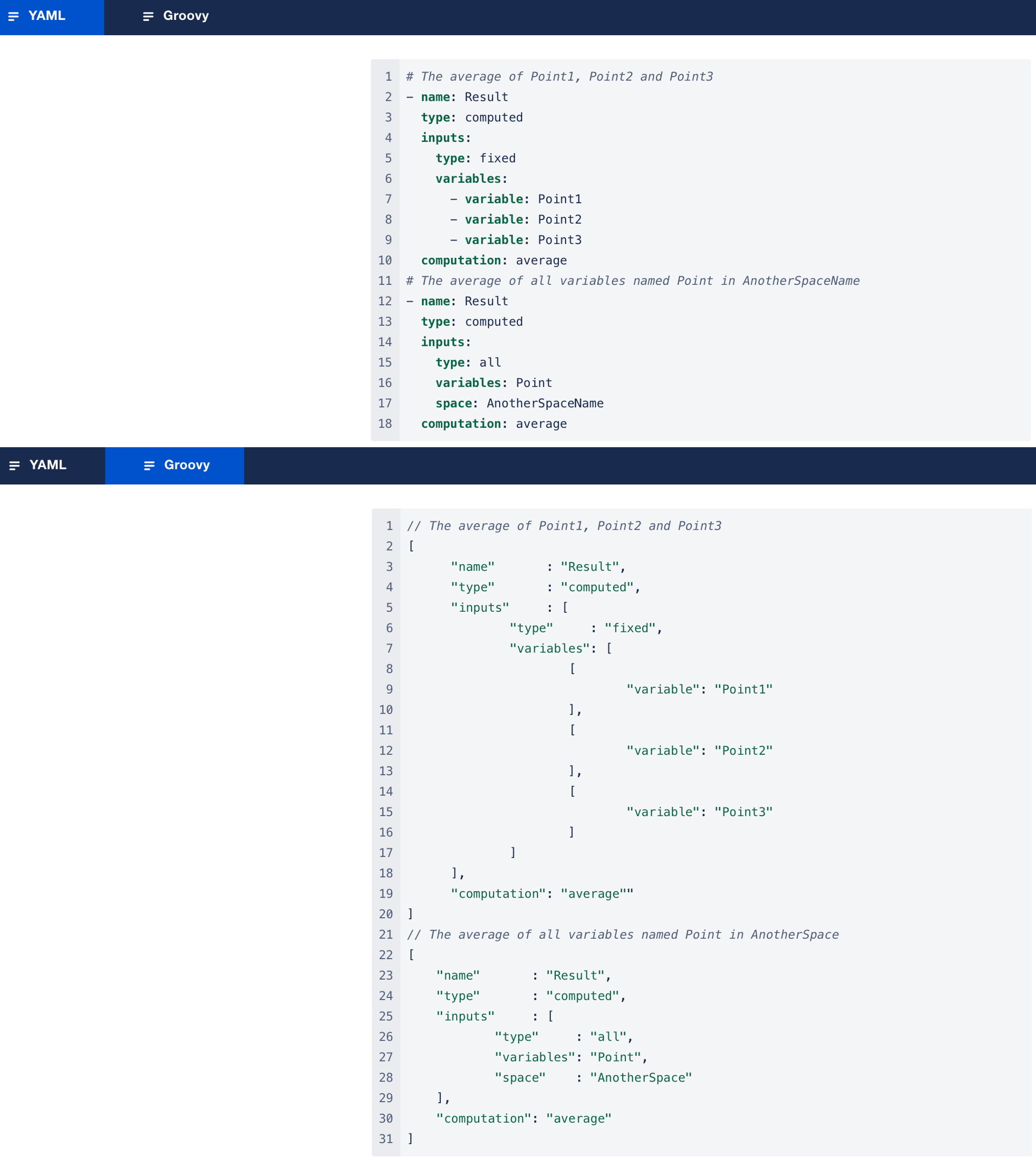
Average
average
Supported Inputs Types
fixed (one or more), all
Inputs Order
Any
Formula
sum(operand1, operand2, …, operandN) / N
Examples
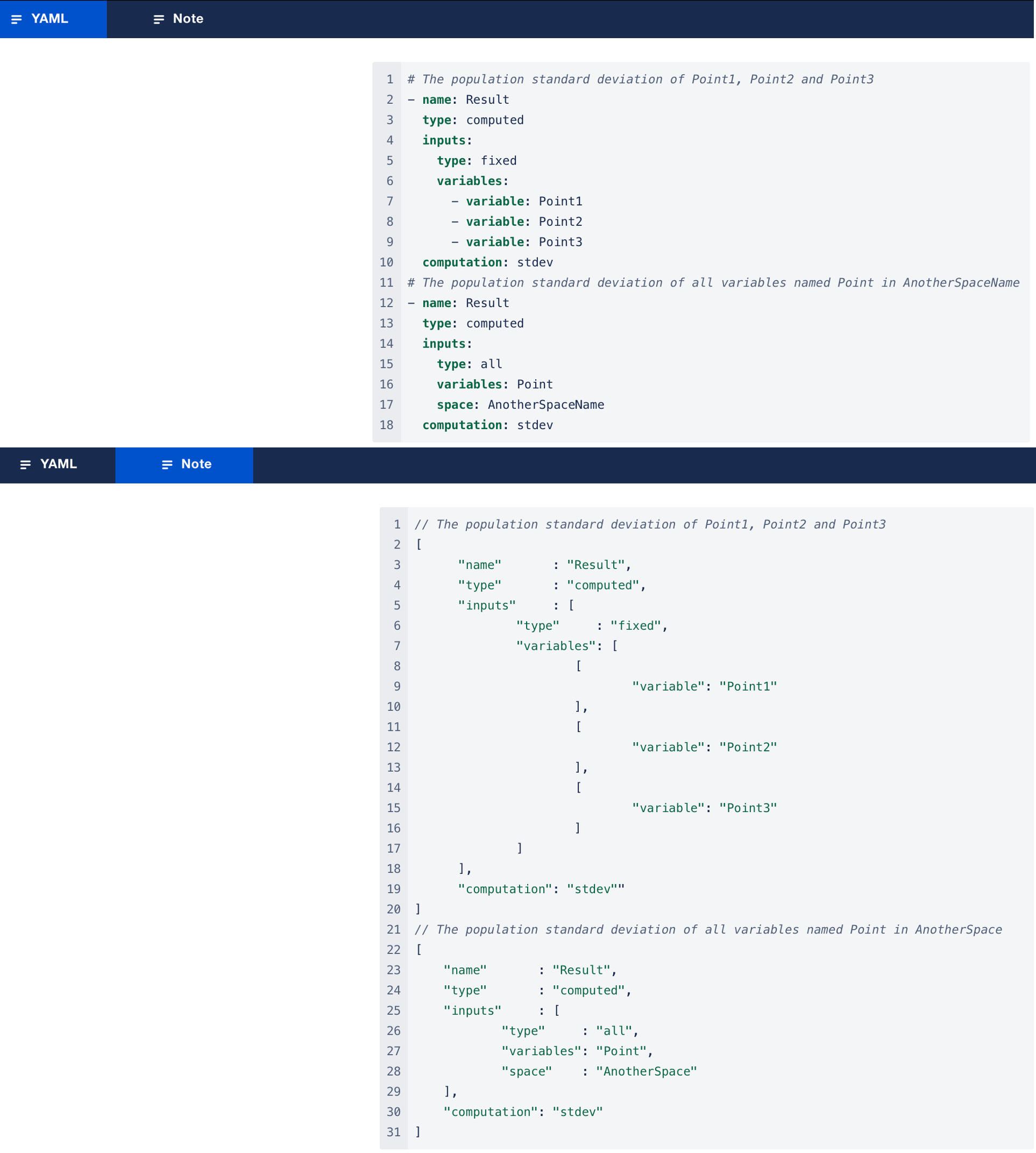
Standard Deviation
stdev
Supported Inputs Types
fixed (one or more), all
Inputs Order
Any
Formula
population_stdev = sqrt(sum((operand1 - avg)², (operand2 - avg)², …, (operandN - avg)²) / N)
Examples
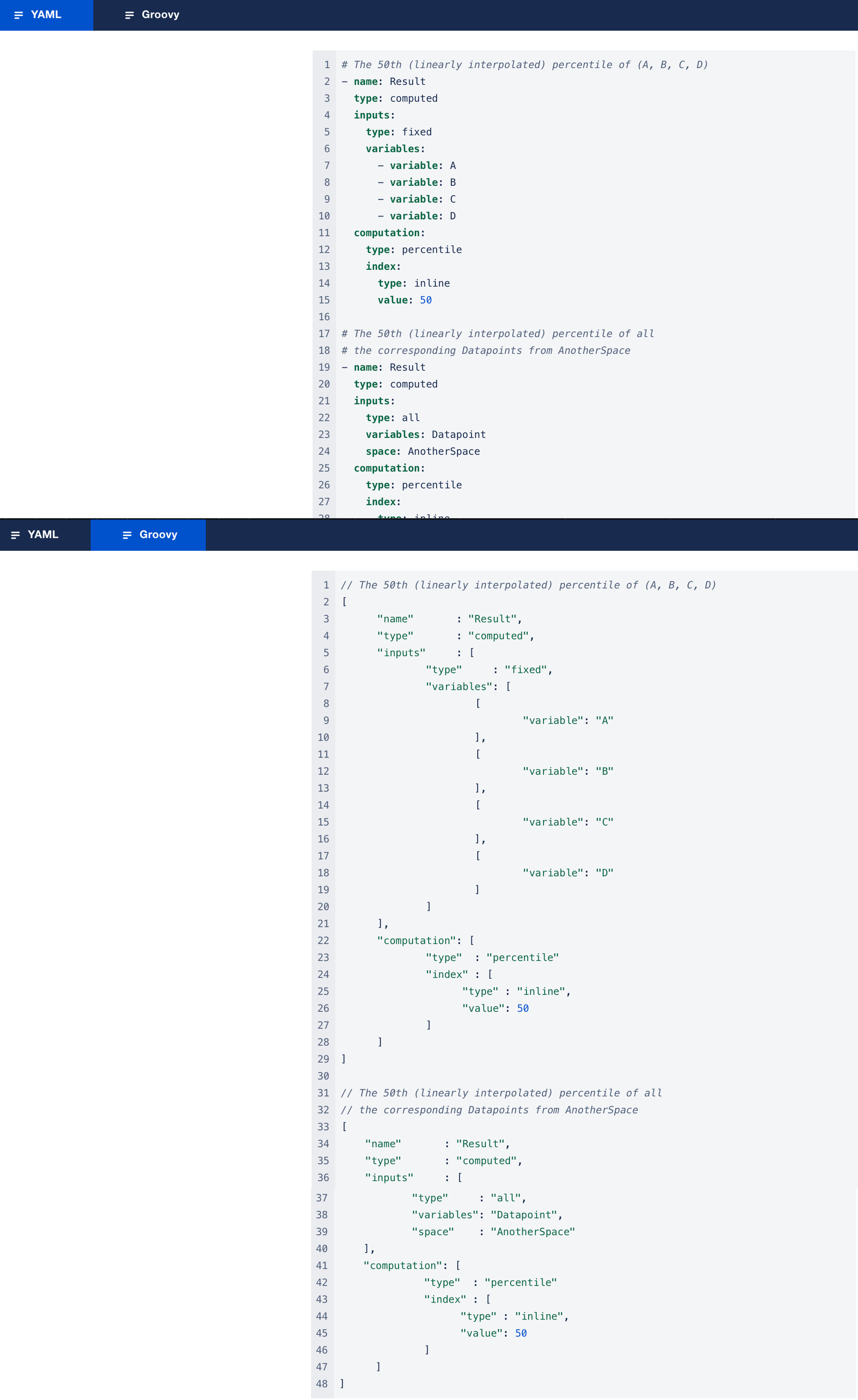
Percentile
percentile
Warning: this computation may trigger some gradient losses and failures to find a solution if enough inputs share the same starting value. It is not recommended to use it in optimization use cases, but it is safe in simulation use cases.
Supported Inputs Types
fixed, all
Inputs Order
Any
Parameter
index: the index of the percentile to be outputed
Formula
Using Guava
Quantiles.percentiles().index(index).compute(dataset)
Which is a linearly interpolated percentile.
Examples
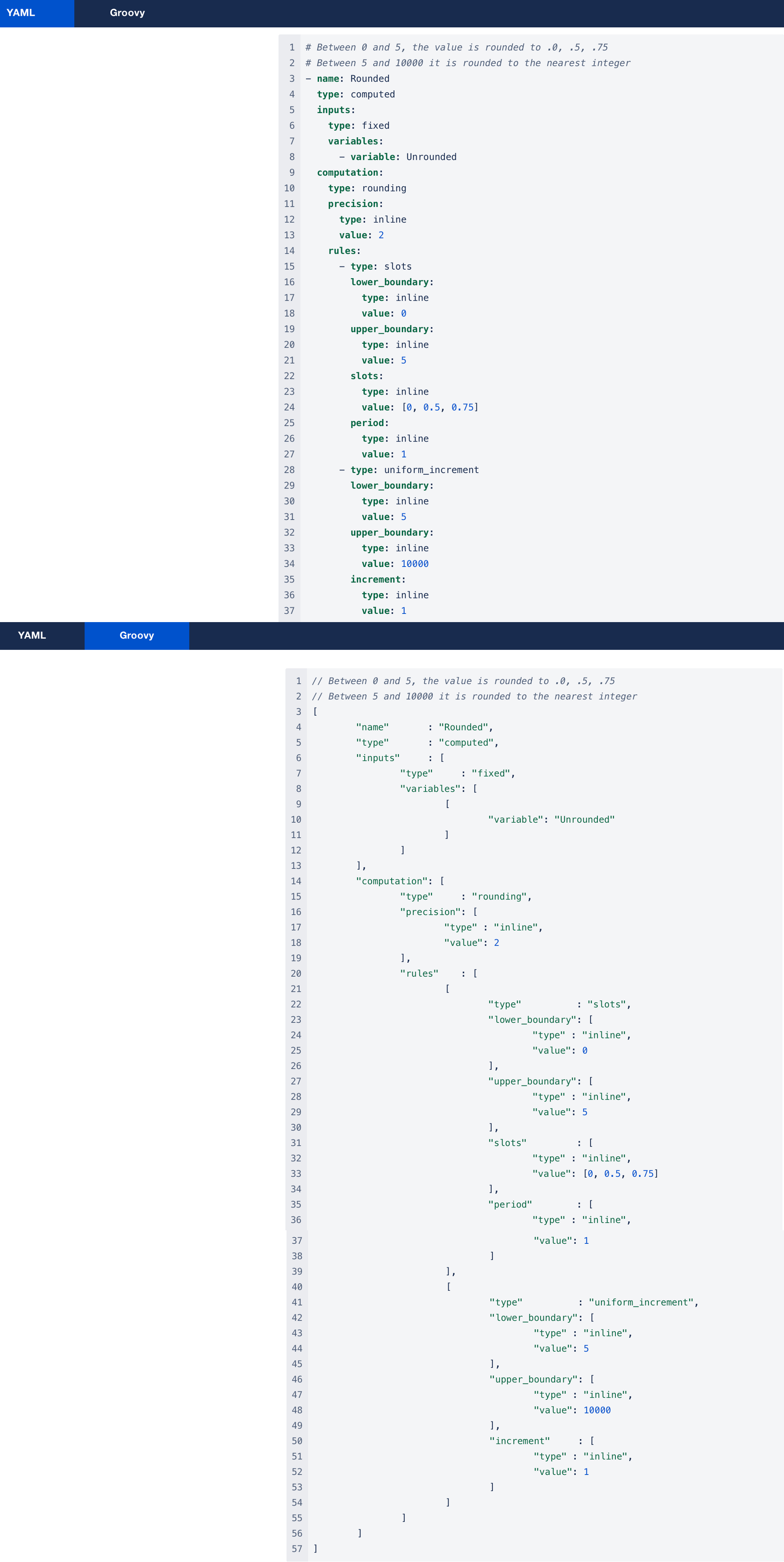
Rounding
type: rounding
Supported Inputs Types
fixed (exactly one)
Formula
round(value)
The rounding is performed following the list of rounding rules passed as parameter.
There are two types of roundig rules available to the user:
-
slots: betweenlower_boundary(included) andupper_boundary(included), the output is only allowed to take values that end with the numbers specified in theslotslist, repeating the rounding pattern with a specifiedperiod.-
E.g. for prices between 0.19€ and 99.99€ to be rounded at 0.19, 0.49 and 0.99 the rule should be:
-
lower_boundary: 0.19
-
upper_boundary: 99.99
-
slots: [0.19, 0.49, 0.99]
-
period: 1
-
-
-
uniform_increment: between the specifiedlower_boundary(included) andupper_boundary(included) the output is only allowed to take values that matchlower_boundary + N * incrementwhere N is a positive integer.-
E.g. for prices to be rounded to .99€ between 99.99€ and 9999.99€ the rule should be:
-
lower_boundary: 99.99
-
upper_boundary: 9999.99
-
increment: 1
-
-
-
The user also has to specify the general decimal
precision, i.e. the maximum desired number of decimal digits among all the rounding rules.-
This precision has to be compatible with the finest increments and slots. E.g. if the finest increment is 0.01, then the precision should be 2.
-
-
The user can specify any number of rounding rules, the only conditions is for them to be contiguous, i.e. the upper_boundary of the first rule should be equal to the lower_boundary of the next rule.
Examples
Custom Computations
If you need more sophisticated computations, you can write your own expression inline in the description file. You can also provide a Java implementation but in this case, you need to have your own build of the Optimization Engine.
Inline Expressions
type: inline
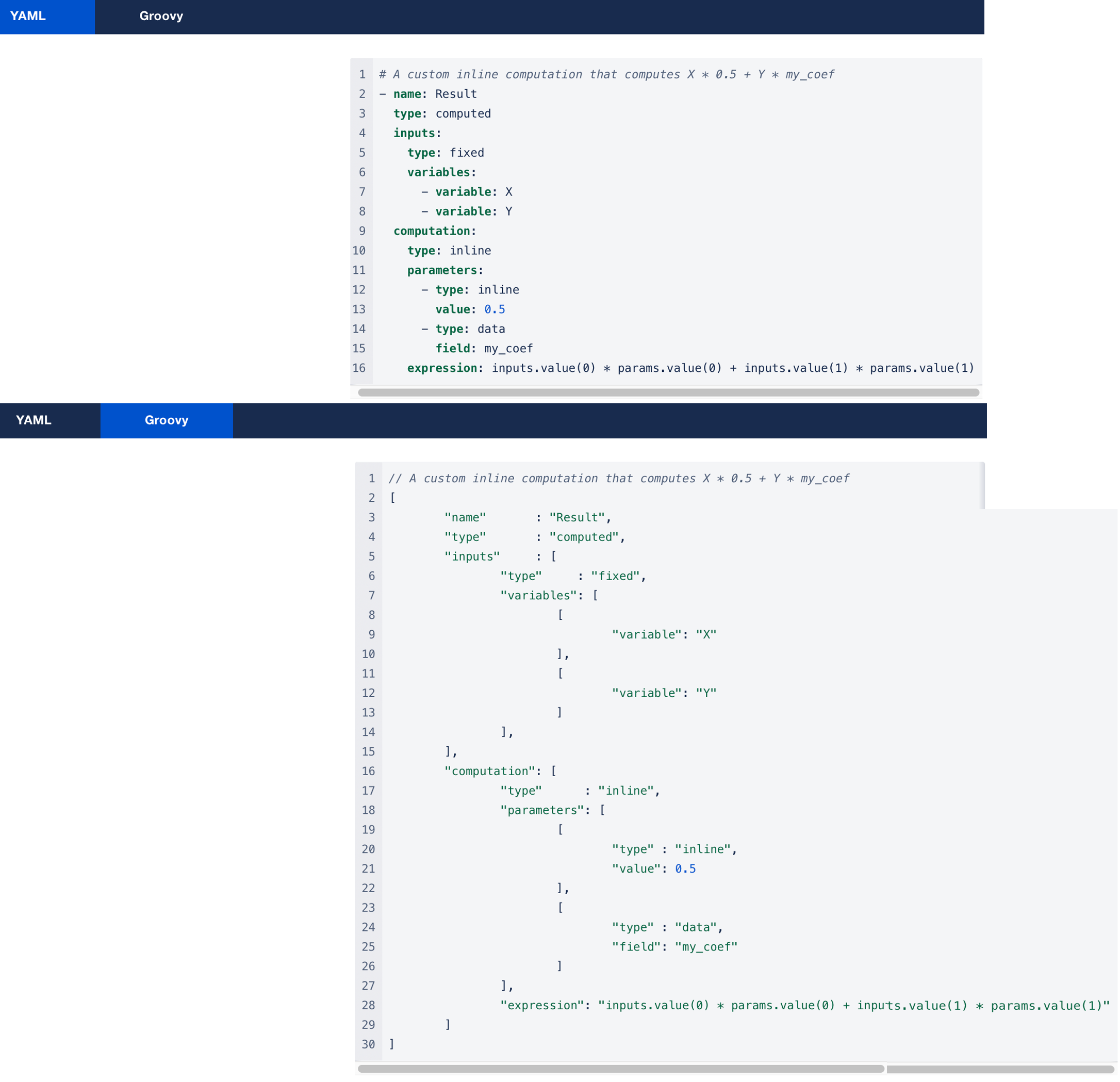
This lets you specify a custom expression for your computation, as well as specific parameters that can either be inline or retrieved from data.
Supported Inputs Types
fixed (any number), all
Inputs Order
Any order, but the index is how you reference inputs in the expression.
Parameters Order
Any order, but the index is how you reference inputs in the expression.
Expression
A Java expression.
-
java.lang.Mathis supported-
You may use other classes but you will need their fully qualified name.
-
-
Access inputs with
inputs.value(n), wherenis the index of the input (the first index is0). -
Access parameters with
params.value(n), wherenis the index of the parameter (the first index is0). -
inputsandparamsalso implementDoubleIterable asIterable()to easily iterate over the values or easily compute averages and such.
Example
Java Implementations
custom
This lets you use your own computation implemented as a Java class.
Supported Inputs Types
all, fixed (any number)
Inputs Order
Any order. The Java implementation will have a list in the same order.
Parameters Order
Any order, but the index is how you reference inputs in the expression.
Class
A fully qualified Java class name.
-
java.lang.Mathis supported-
You may use other classes but you will need their fully qualified name.
-
-
Access inputs with
inputs.value(n), wherenis the index of the input (the first index is0). -
Access parameters with
params.value(n), wherenis the index of the parameter (the first index is0). -
inputsandparamsalso implementDoubleIterable asIterable()to easily iterate over the values or easily compute averages and such.
Prerequisites
-
The Java class of your computation must be added to the OE classpath.
-
This means it only works with your own OE build for now.
-
-
The Java class of your computation must either implement
-
net.pricefx.optimization.engine.description.CustomComputation(recommended)
or -
net.pricefx.optimization.declaration.Declaration.DeclaredComputationfor advanced control over the instantiation of the computation, including accessing coordinates, inputs, and output agents.
-
-
The Java class may declare a constructor with exactly one parameter of the type
net.pricefx.optimization.mas.agent.computation.domain.Computation.InputValuesto access the parameters defined in the description.-
This constructor is mandatory if there are 1 or more declared parameters.
-
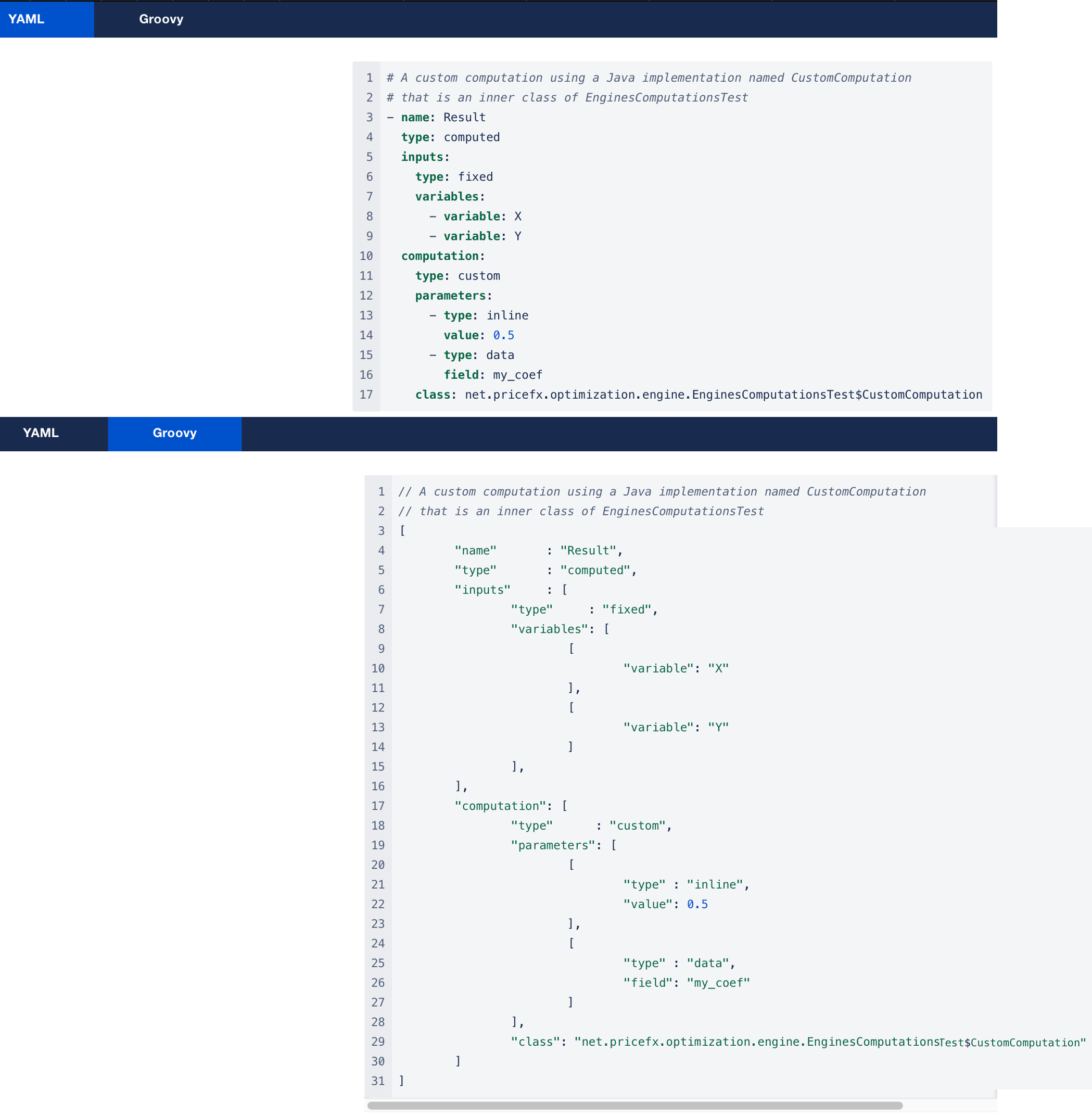
Example