
available since version 16.0
If you want to attach files to Price Lists or Live Price Grids, you can do so on the Attachments tab. The Attachments tab is not available by default but must be defined in the JSON configuration of a Price Setting Type.
-
Go to Price Setting > Price Setting Types and open an existing type or create a new one.
-
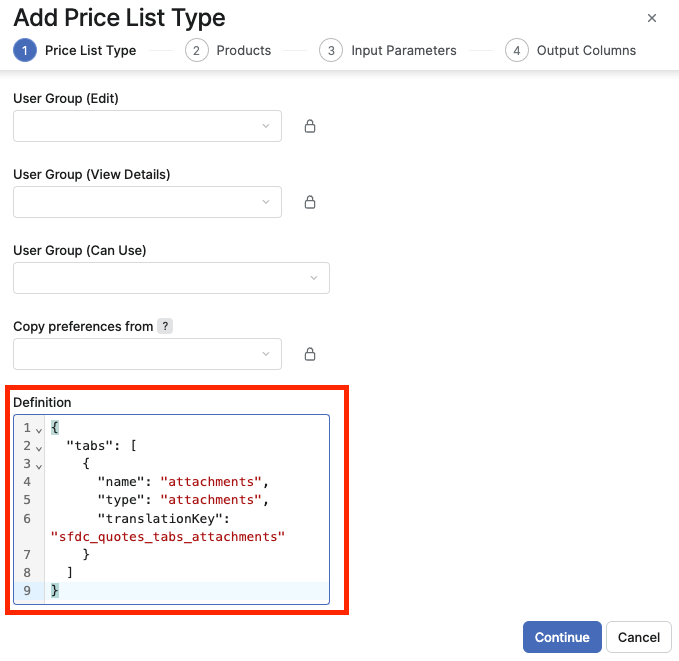
In the Definition edit box, enter a JSON configuration that will add the Attachments tab:
 JSON
JSON{ "tabs": [ { "name": "attachments", "type": "attachments", "translationKey": "sfdc_quotes_tabs_attachments" } ] }The tab will be added to the default Products and Summary tabs.