
This operation allows users to delete records based on a filter.
-
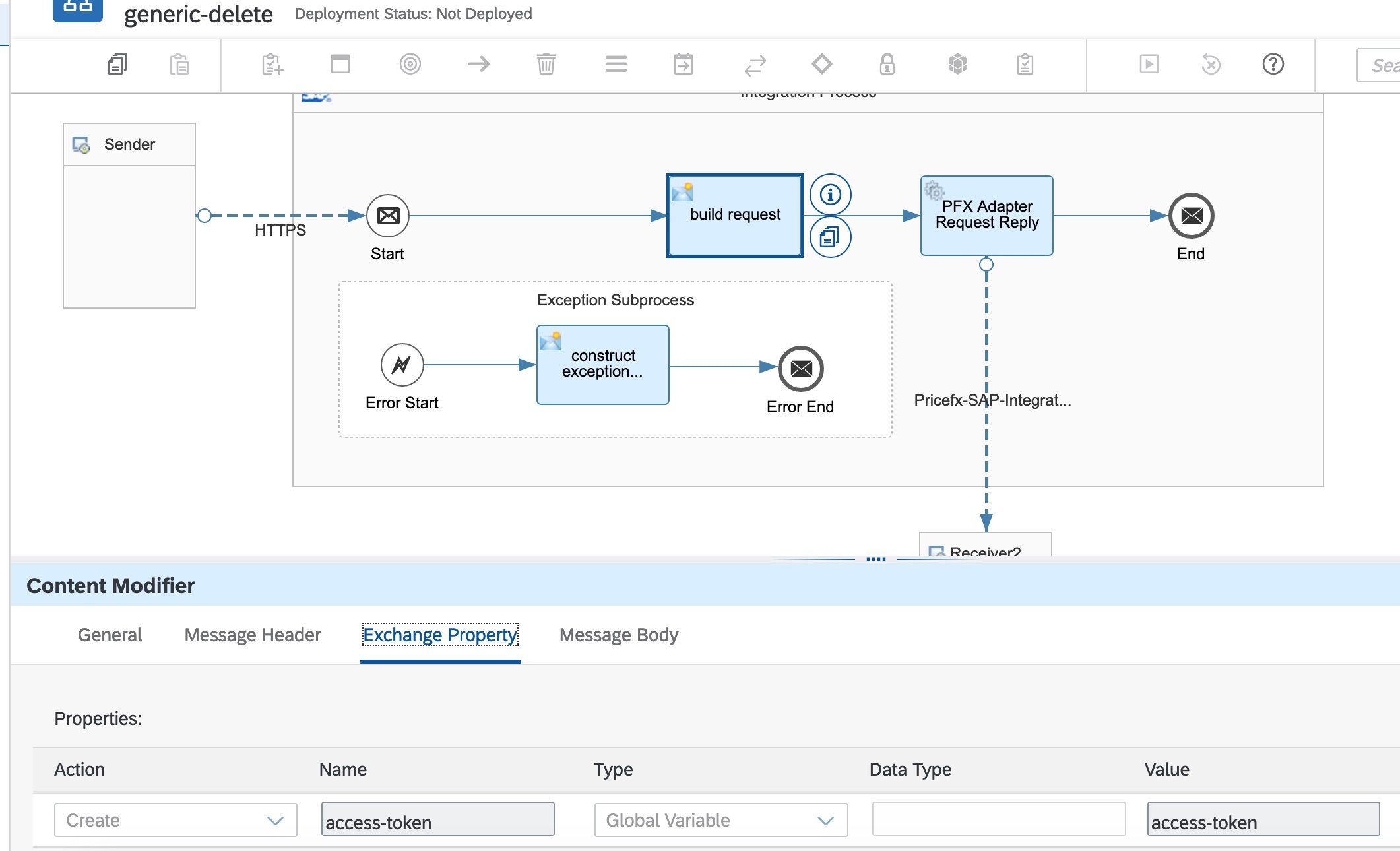
Configure the exchange property in Content Modifier:
-
access-token – The token can be retrieved from the global variable set by a separate token store integration flow. See Authentication (SAP IS Adapter) .
-
-
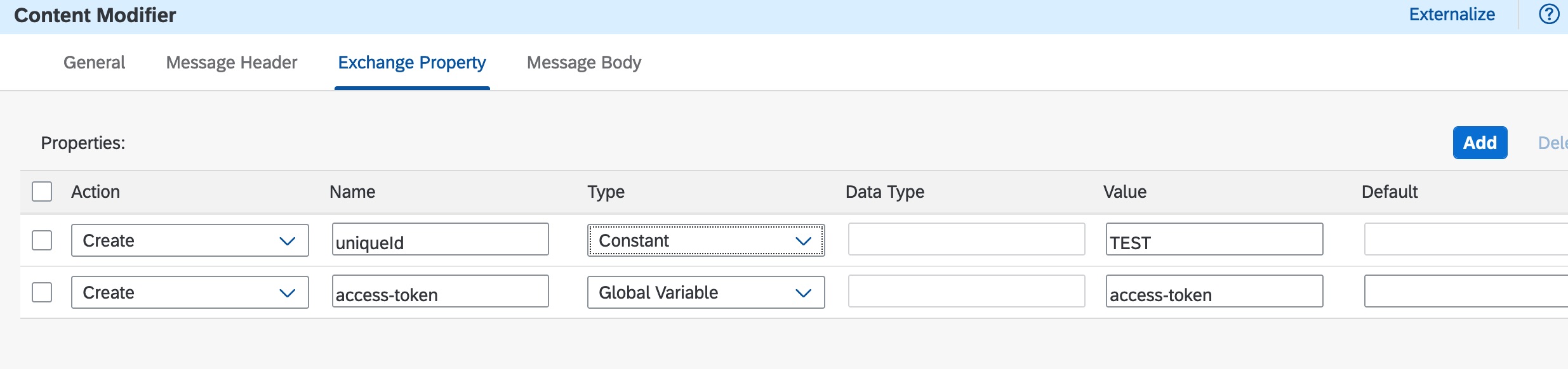
Configure an extra exchange property in Content Modifier for deleting Product Image:
-
uniqueId – Product SKU that the image belongs to.
-
-
Configure the message body in Content Modifier for deleting all Pricefx object types except Product Image. The full JSON schema can be found in the “Sample Artifacts for SAP S/4HANA Integration with Pricefx” integration package from SAP API Business Hub. See Pricefx to SAP S/4HANA Schemas. In this example, all customer records with 'customerId' starting with 'CUSTOMERSAP’ will be deleted.
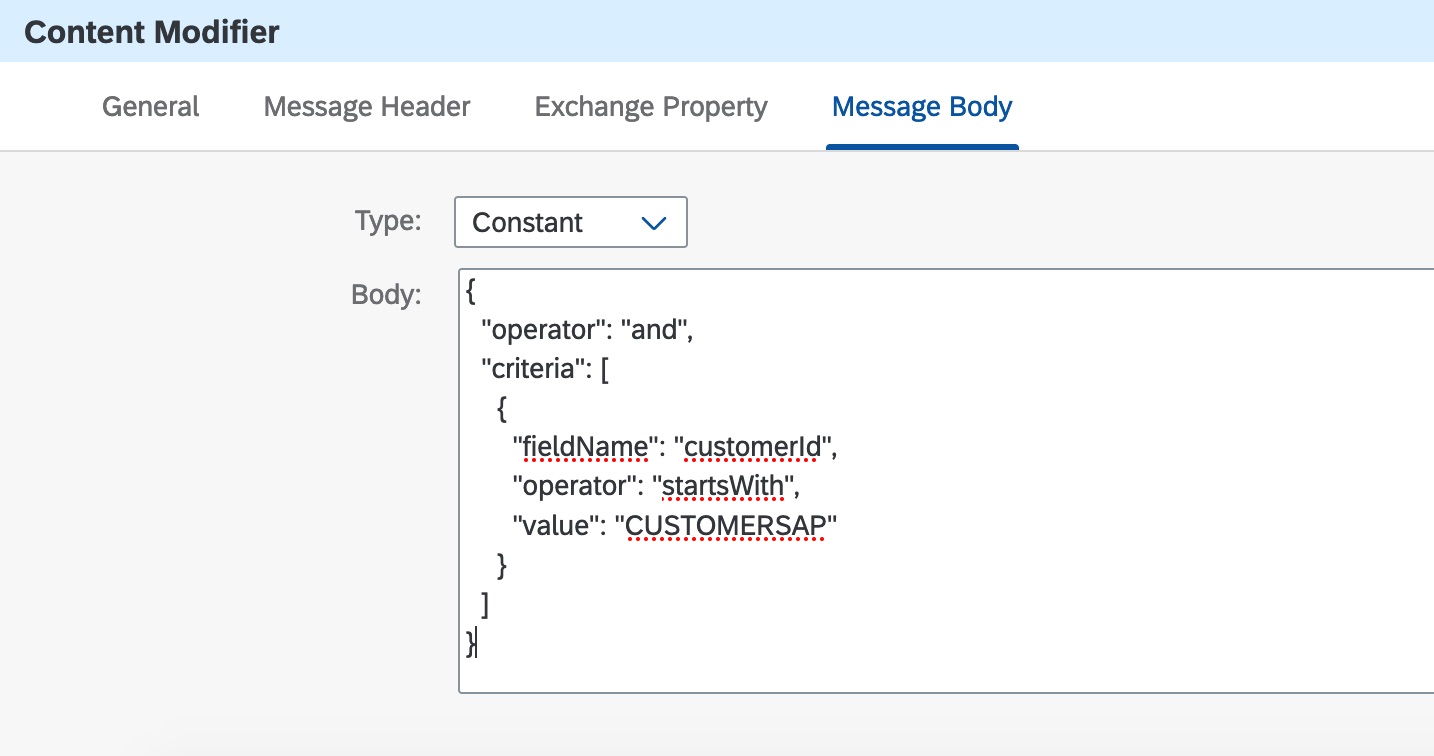
Sample delete request:{ "operator": "and", "criteria": [ { "fieldName": "customerId", "operator": "startsWith", "value": "CUSTOMERSAP" } ] }
-
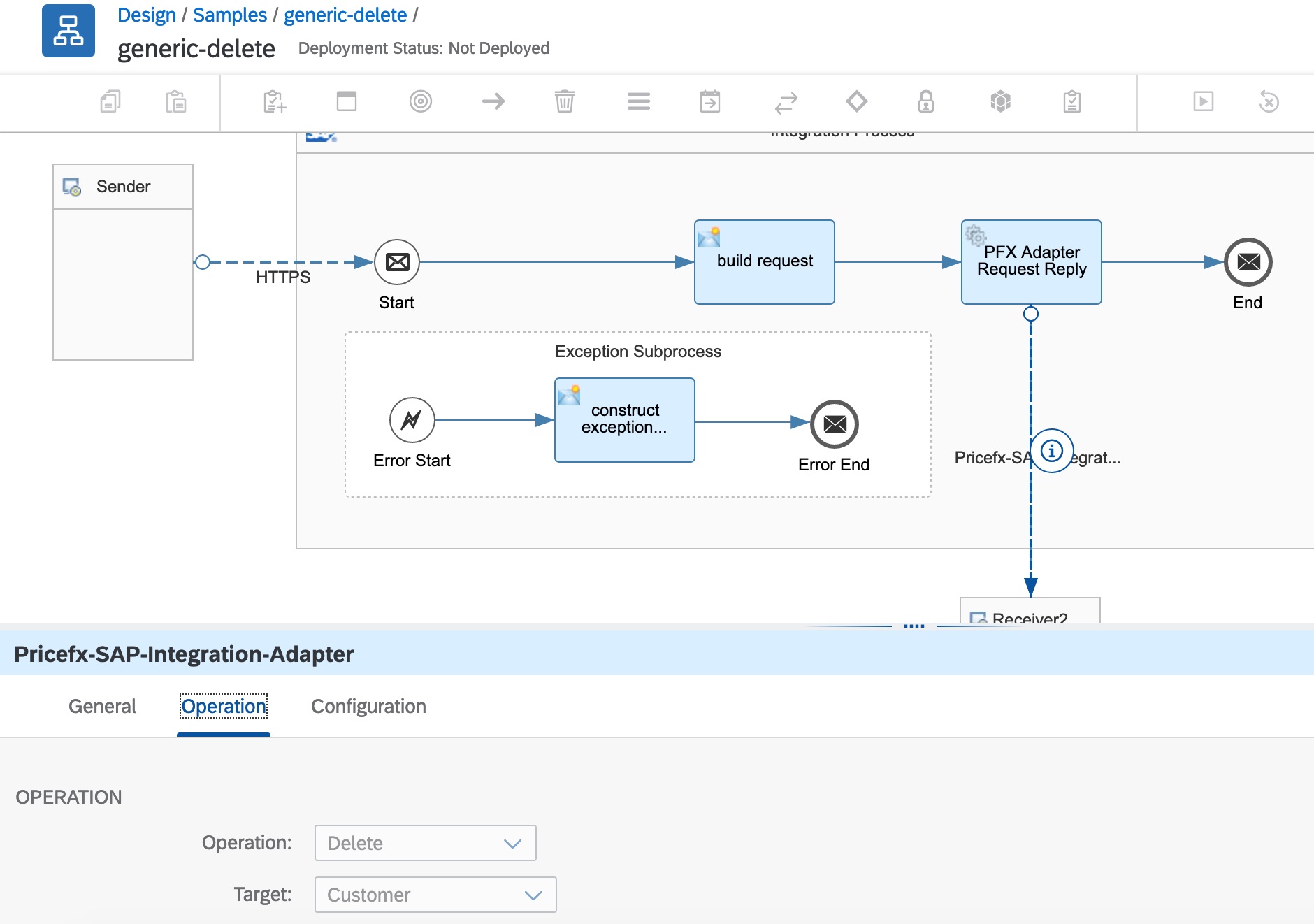
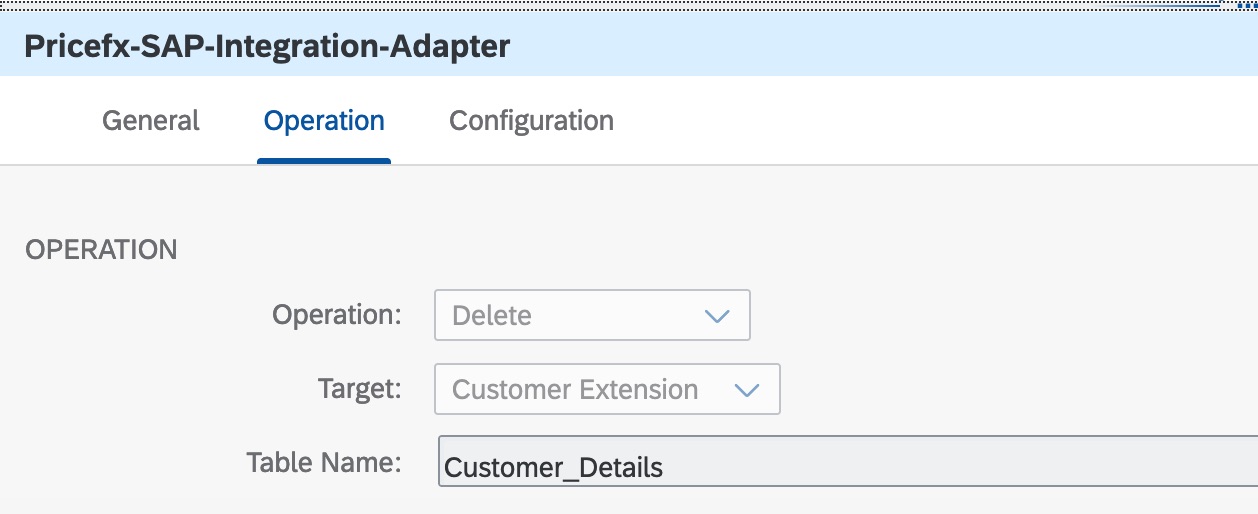
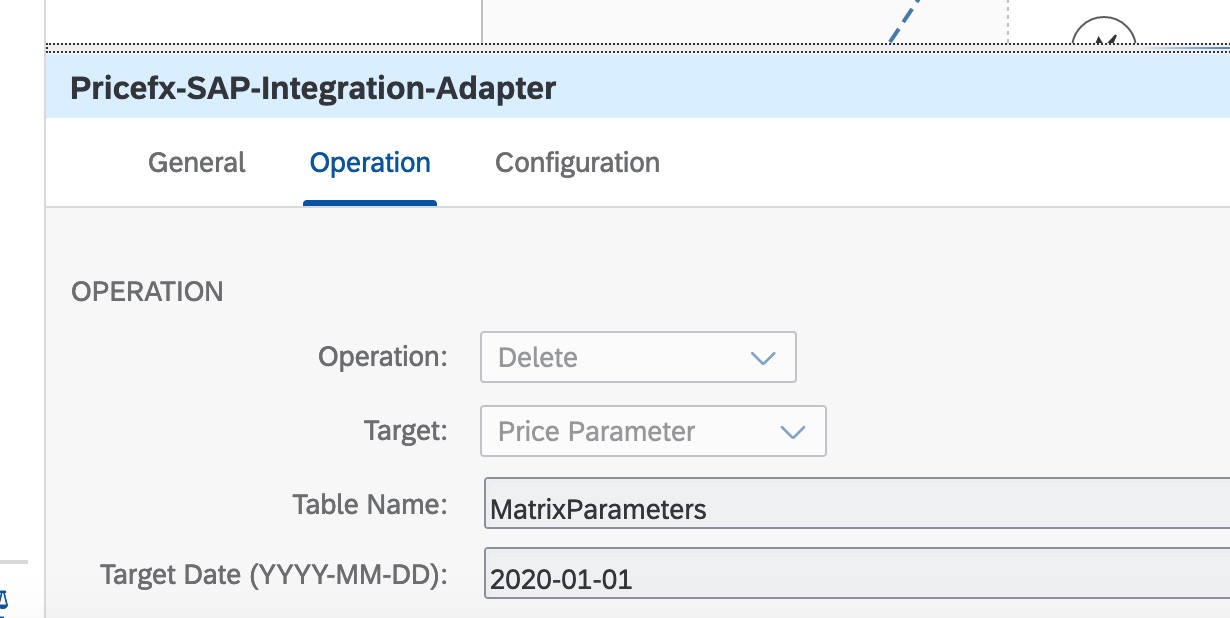
In the Adapter configuration, select operation and target type.
-
For Product Extensions and Customer Extensions, specify the name of the table as well.
-
For Price Parameters, specify the name of the table and Target Date as well.
Supported Filters
See Appendix: Supported Operators in Criteria.
Response Message
Number of deleted records will be returned.