
This operation allows users to upload a data file or image.
-
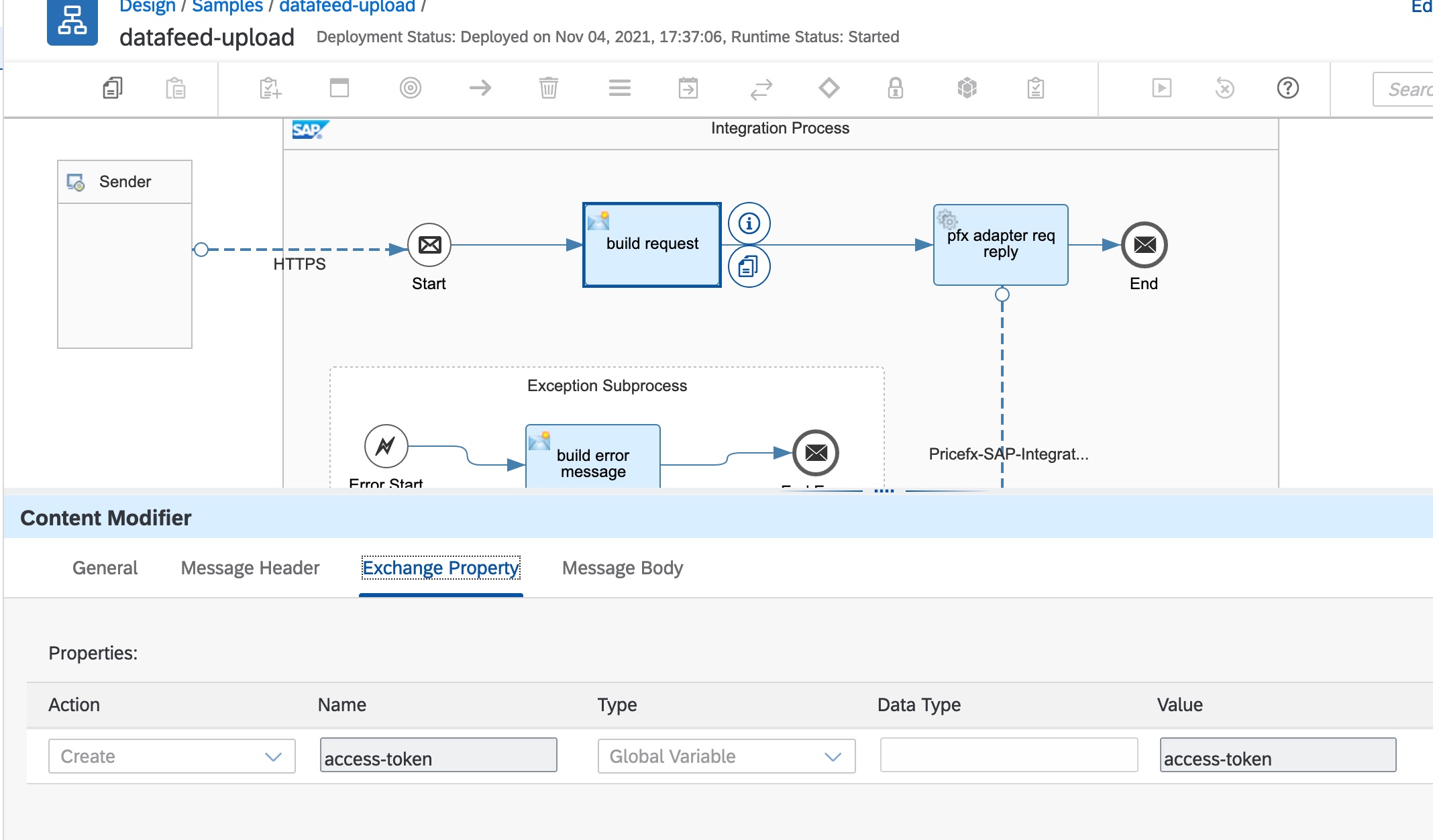
Configure the exchange property in Content Modifier:
-
access-token – The token can be retrieved from the global variable set by a separate token store integration flow. See Pricefx Authentication Using Pricefx Integration Adapter for SAP Integration Suite.
-
-
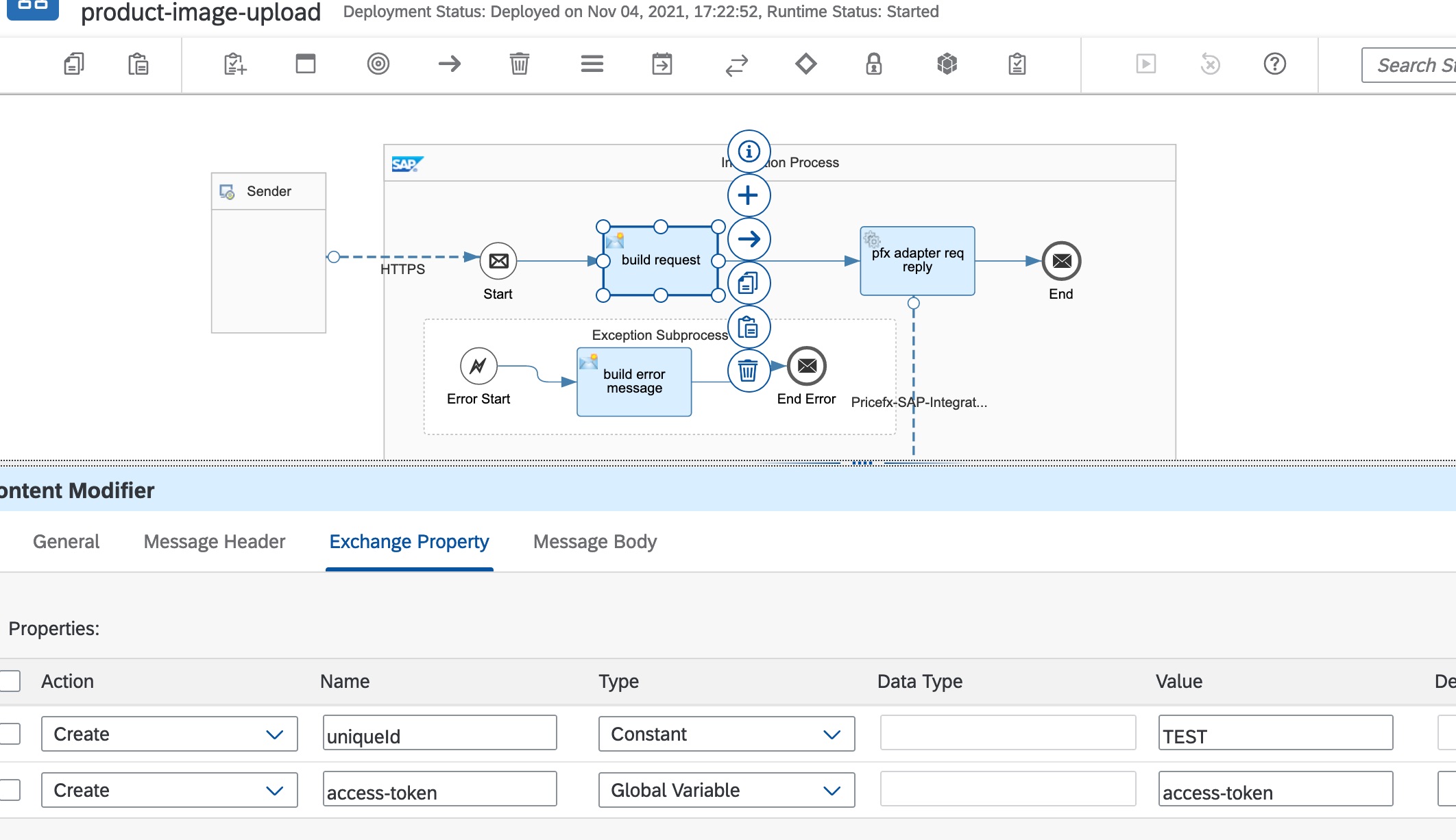
Configure an extra exchange property in Content Modifier for uploading Product Image:
-
uniqueId – Product SKU that the image belongs to.
-
-
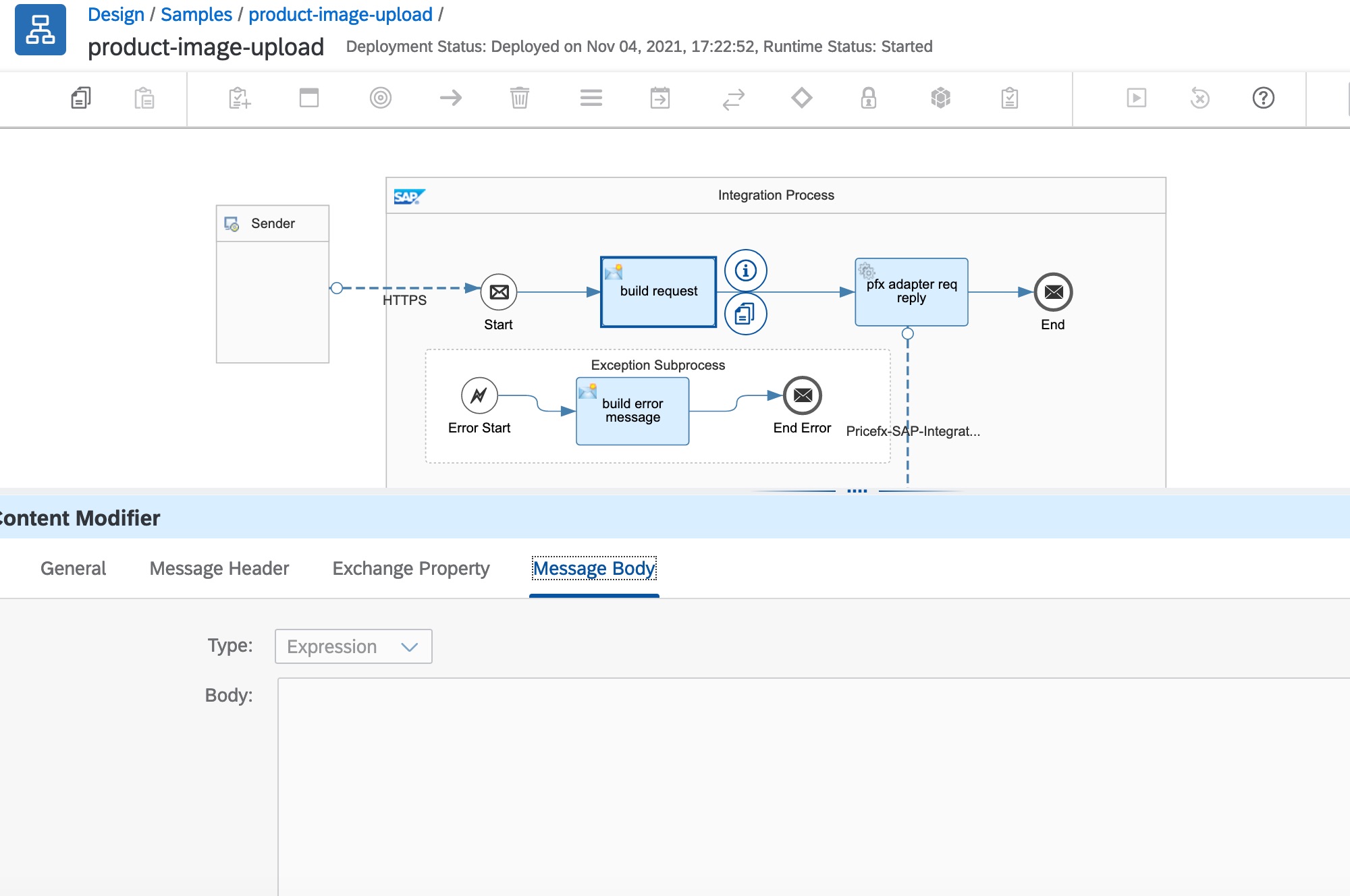
The request should be a binary file input stream. If you leave the message body empty, the binary stream will come from the previous steps. Excel file *.xlsx is supported for data upload and an image file is supported for the image upload.
-
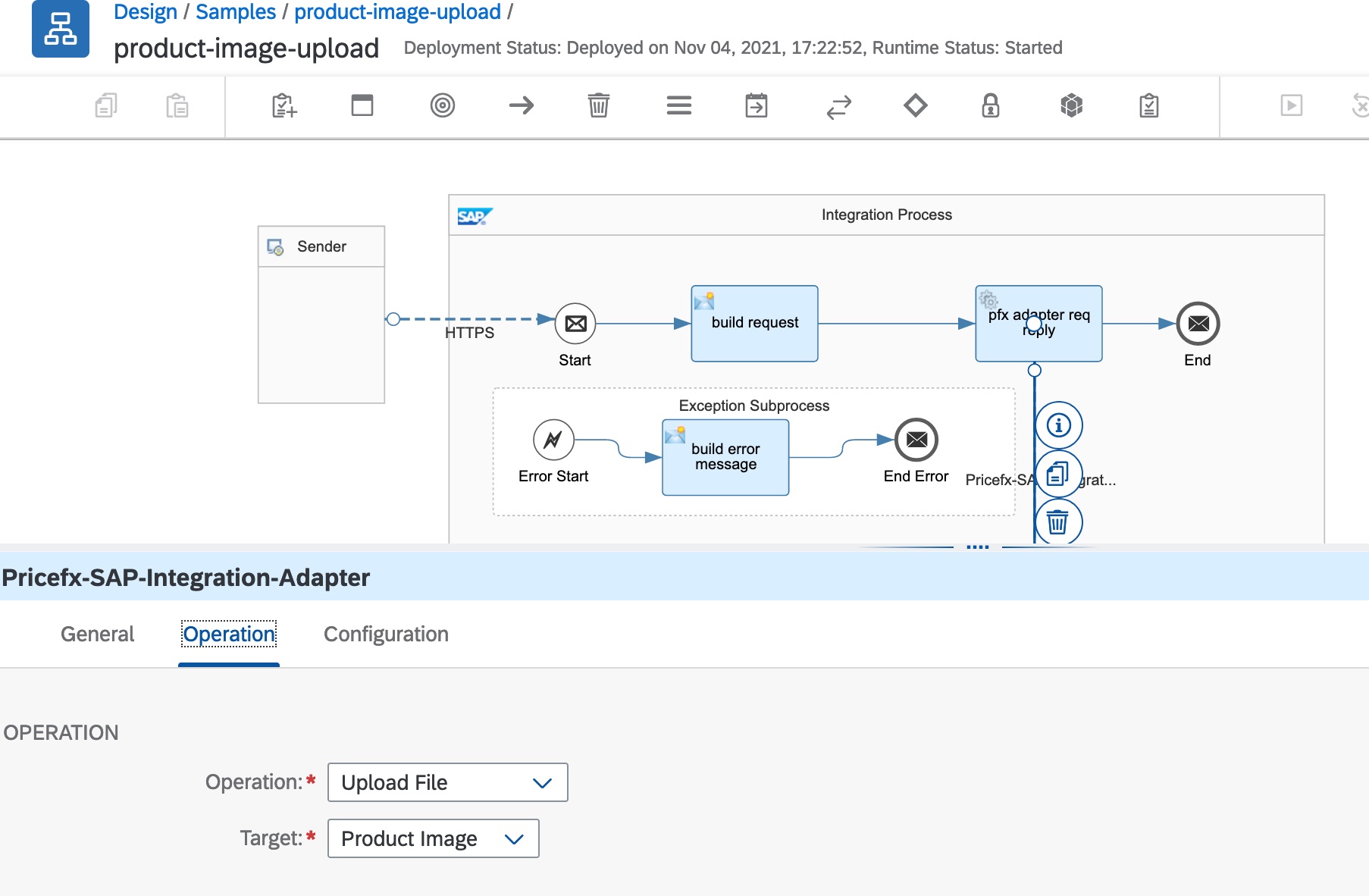
In the Adapter configuration, select operation and target type.
Response Message
The upload slot ID is returned and this can be used in the file upload status operation.