
-
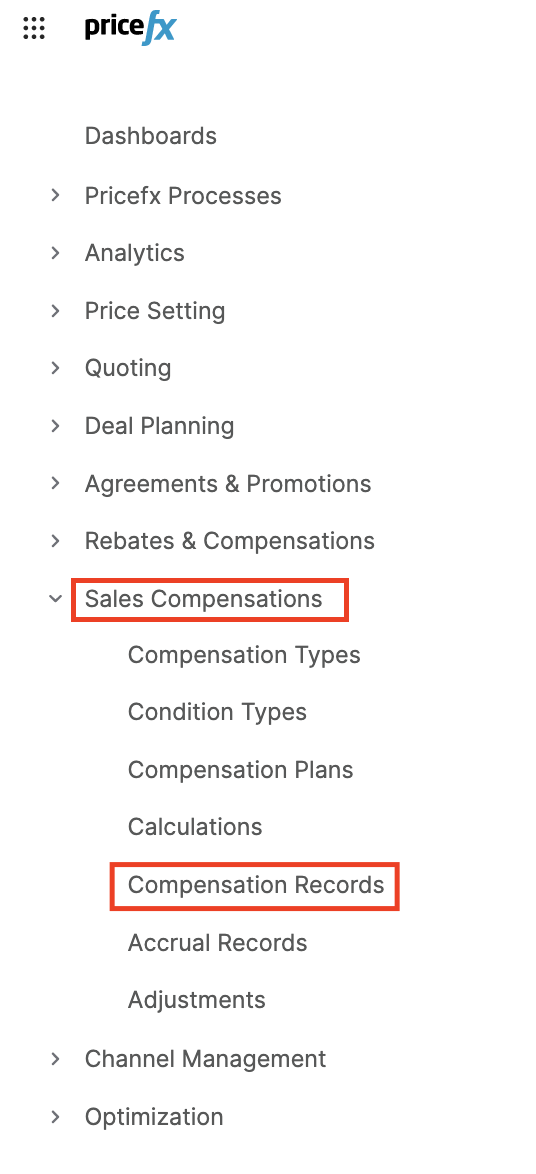
Go to Sales Compensations > Compensation Records.
-
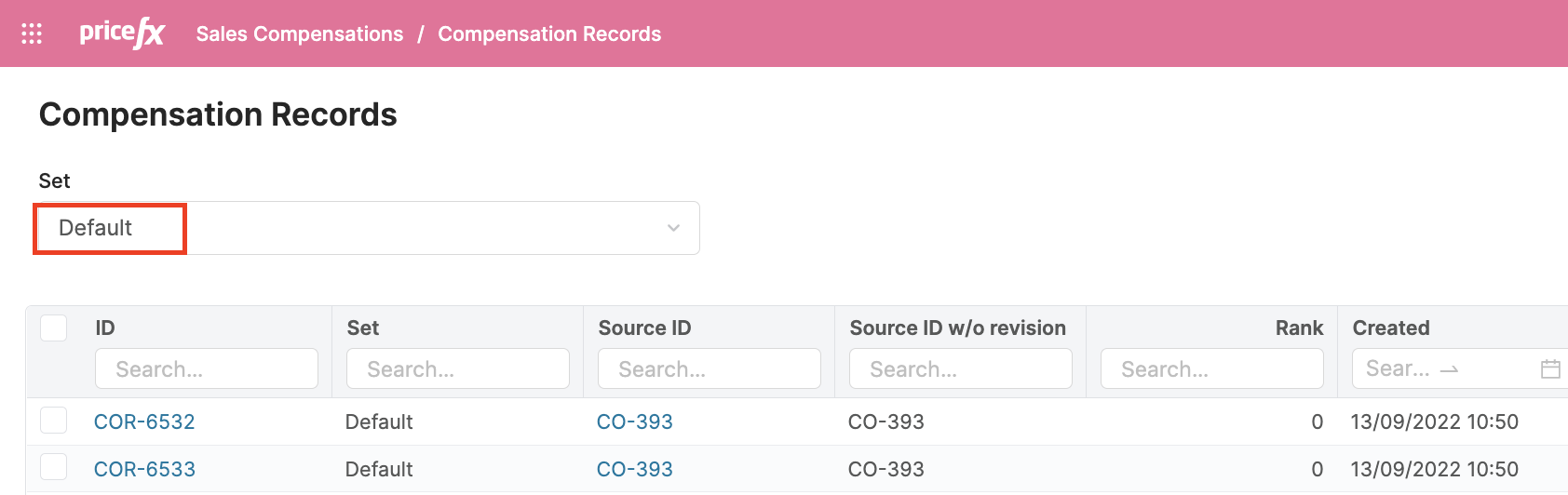
Select Default in Set.
-
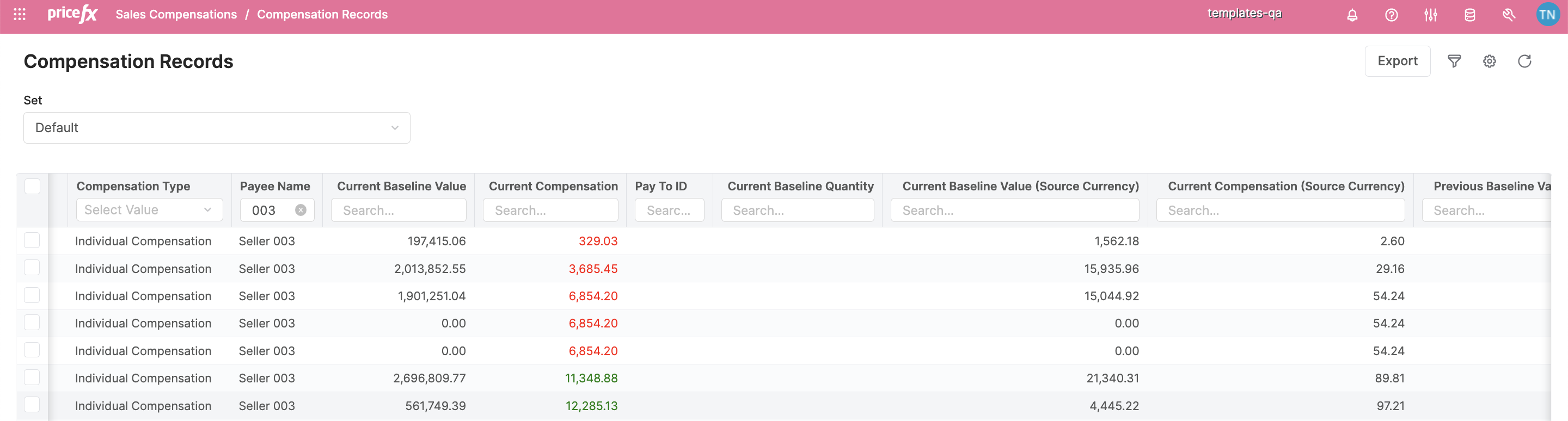
In the Compensation Records page, you can check the results in Payout Currency and Source Currency of a Compensation Plan that you have created, submitted and had calculated by the Calculations job.
For more details about the Calculation Flow see Flow Diagrams: Calculation Flow, Adjustments Flow.