
CPQ allows custom logics to be configured and run along with the default logics. The default logics can also be removed/replaced in the calculation. This can easily be done by using the CPQ Configuration Wizard.
Pre-requisites
-
Custom logics are prepared in the form of a Pricefx Groovy library.
-
Quote Type is selected in Step 1.
-
Tables are configured in Step 2.
Select Configuration
In Step 3, select Custom Configuration in the first drop-down input and Header Processing in the second input.
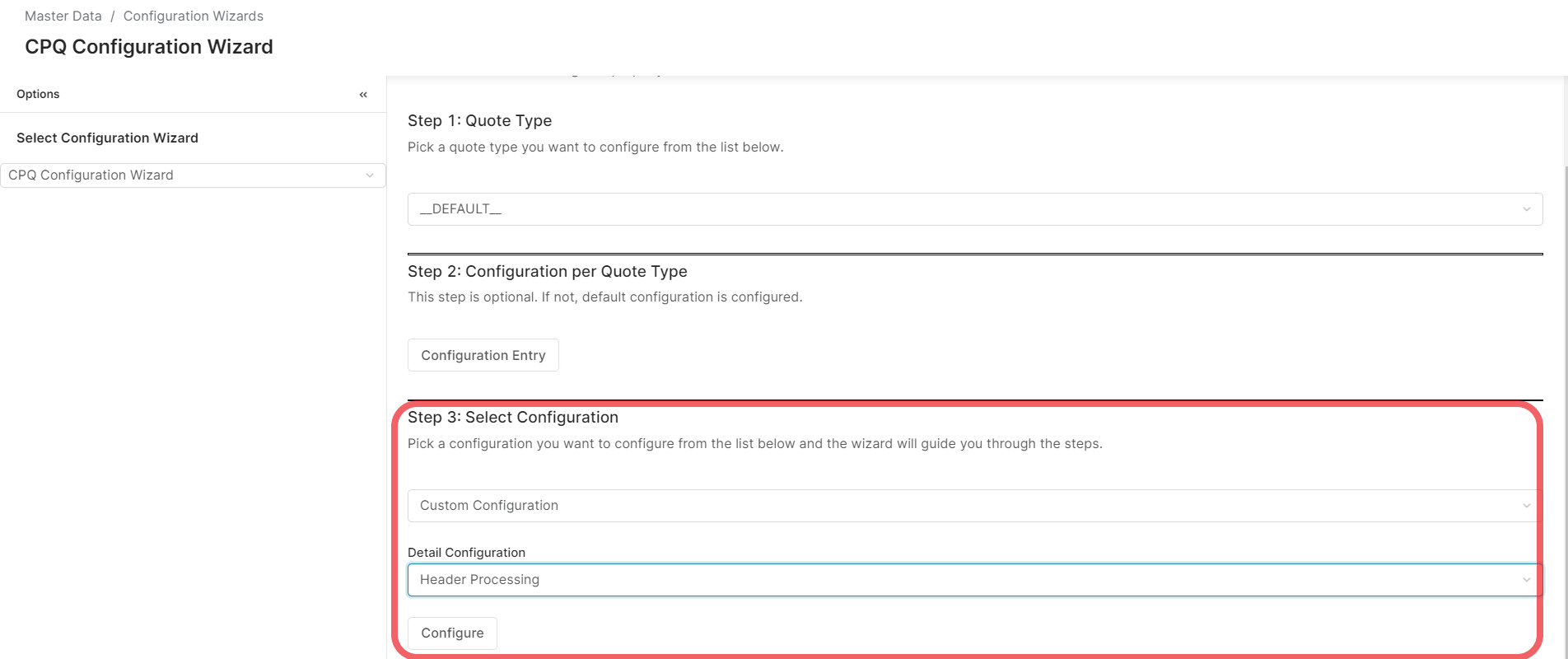
Then click the Configure button to enter the configuration screen.
Creating New Entry
On the configuration screen, select Create a new header processing configuration for Quote.
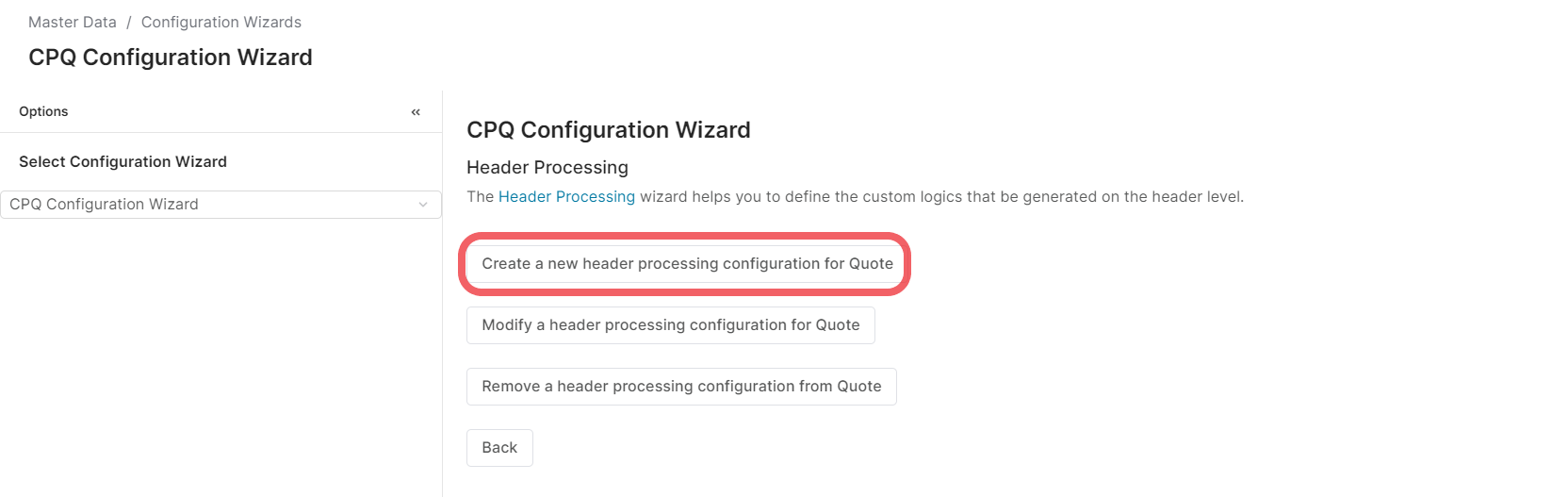
Fill in the inputs and click the Apply button to save the entry.
Modify an Entry
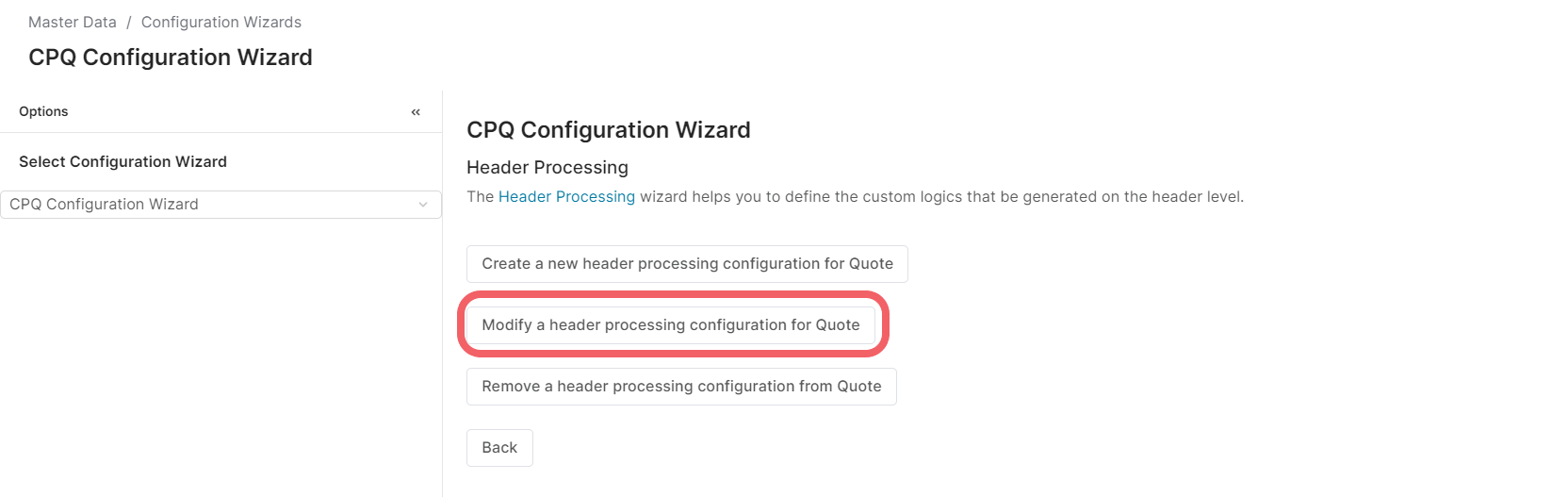
On the configuration screen, select Modify a header processing configuration for Quote.
Select an existing entry from the Name input. The configuration for the selected entry is loaded and ready for modifying.
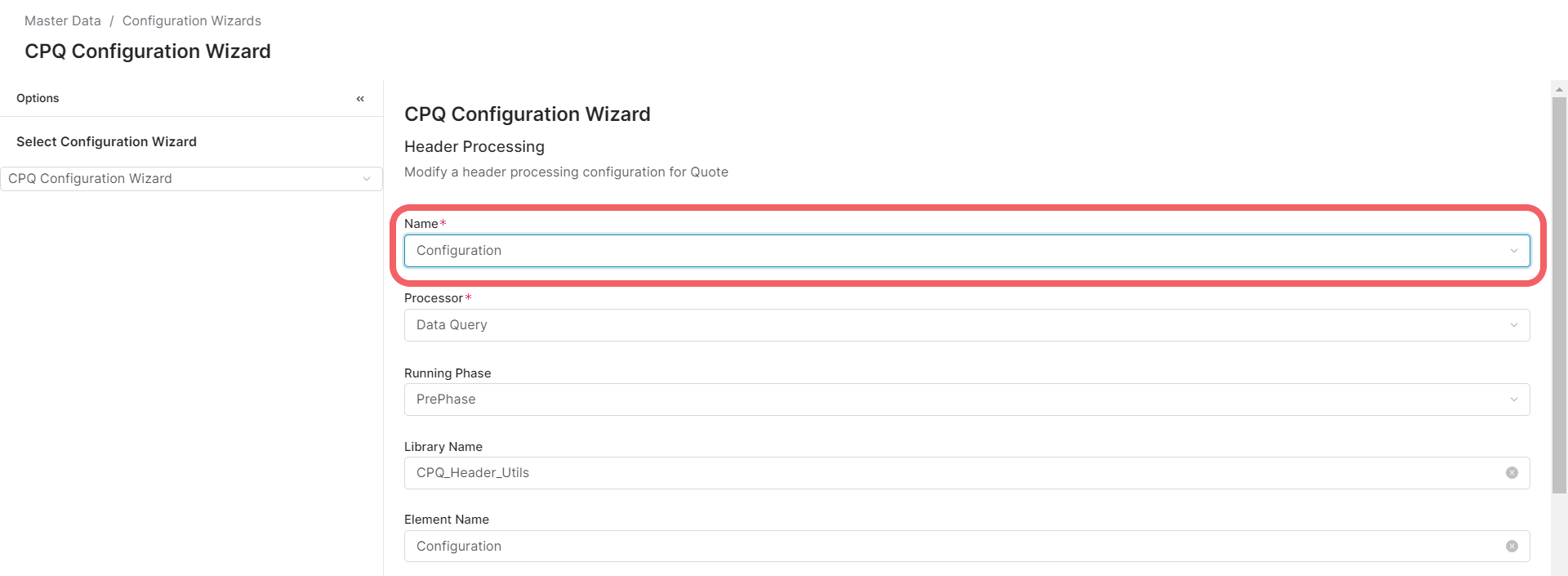
Click the Apply button to save the configuration when finished.
Remove an Entry
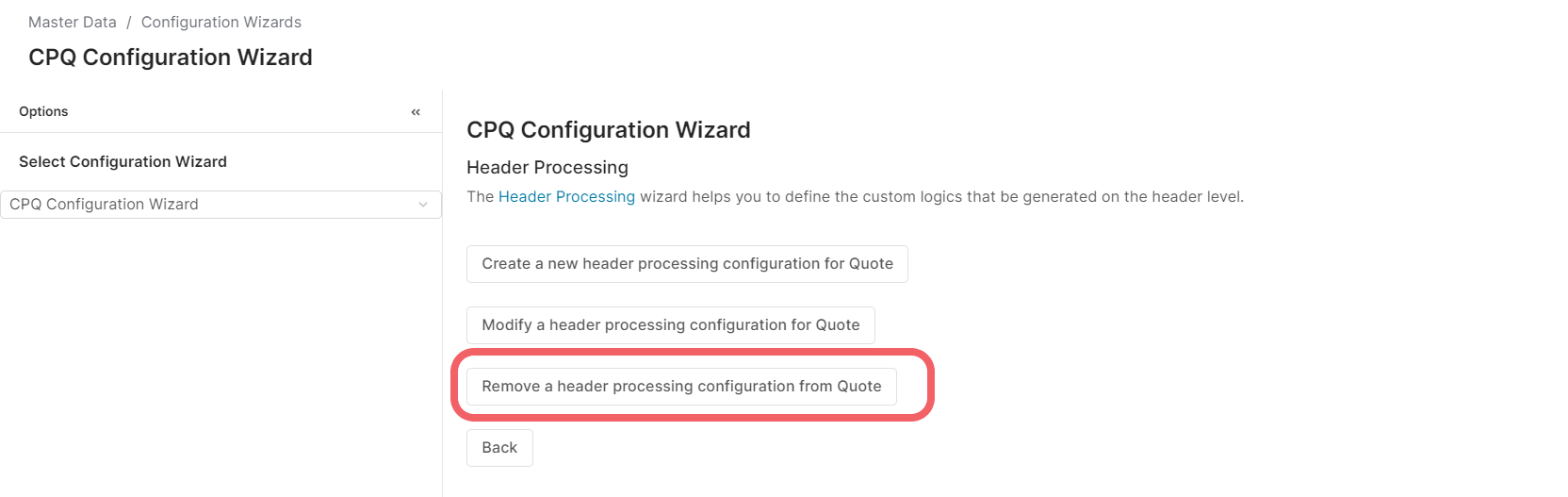
On the configuration screen, select Remove a header processing configuration from Quote.
Select an entry from the Name input.
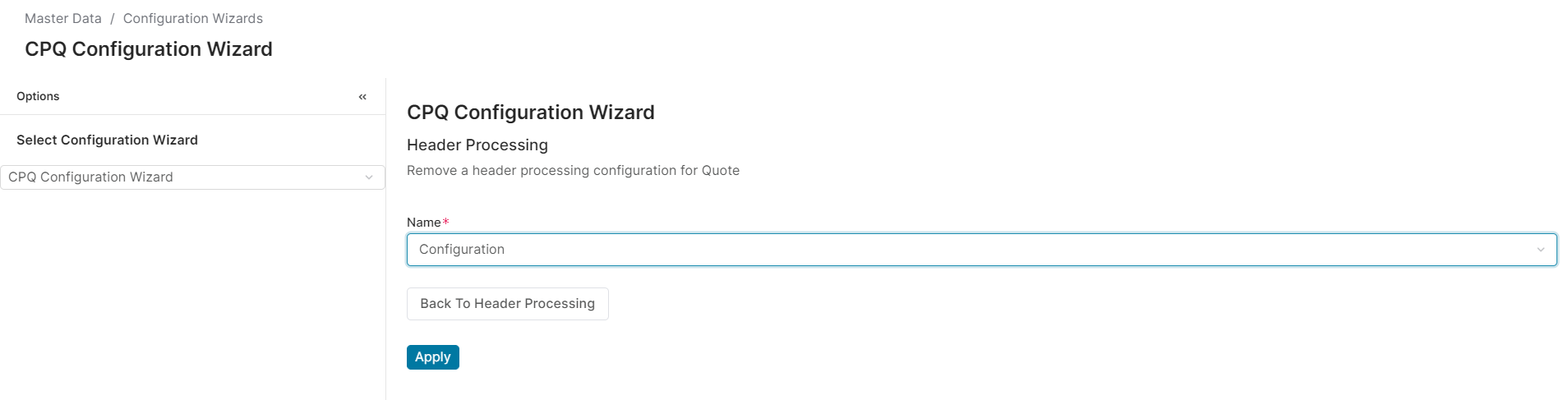
Then click Apply button to remove the entry.