
Purpose
-
Important informations at one place
-
Possibility to share with team members or with customer
Example dashboard
-
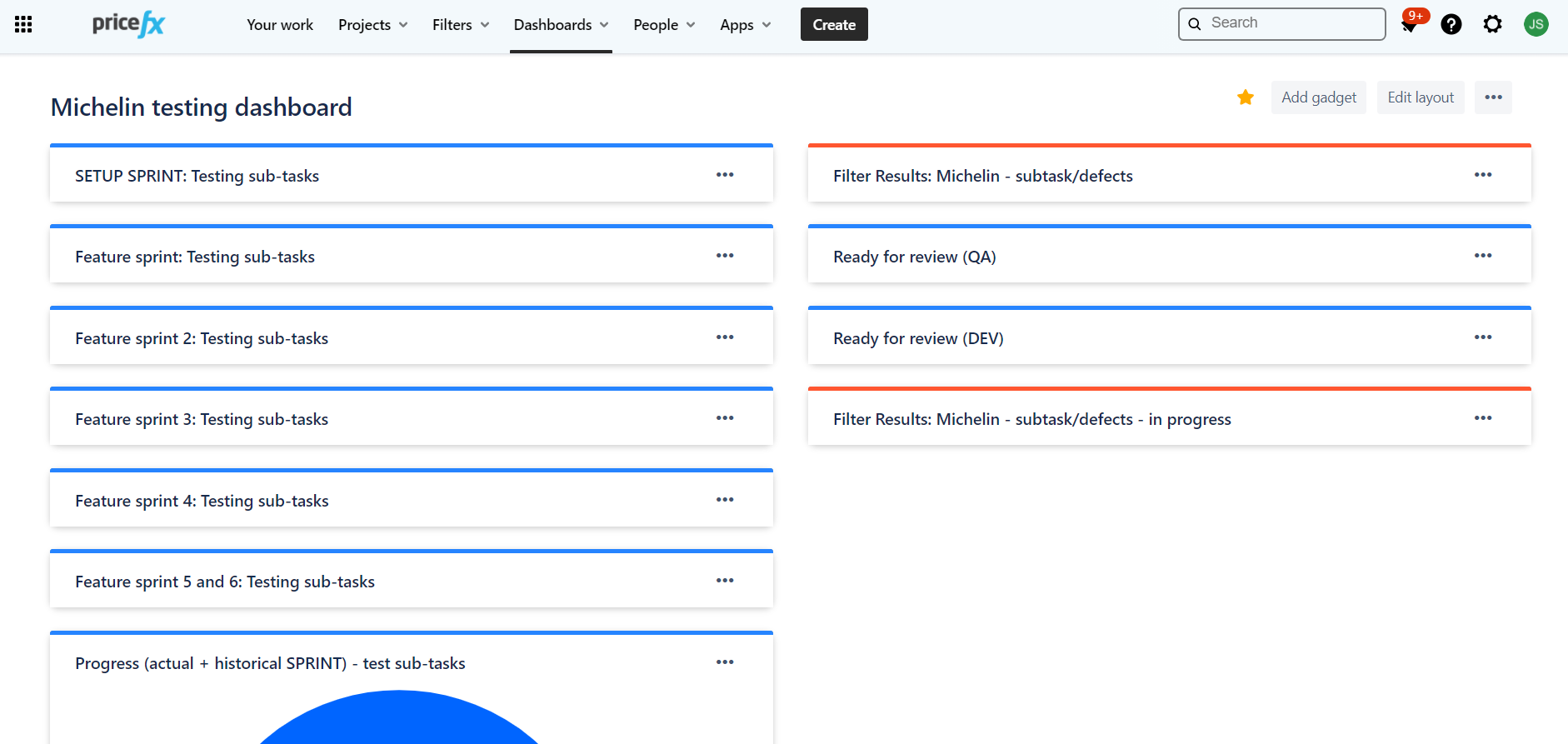
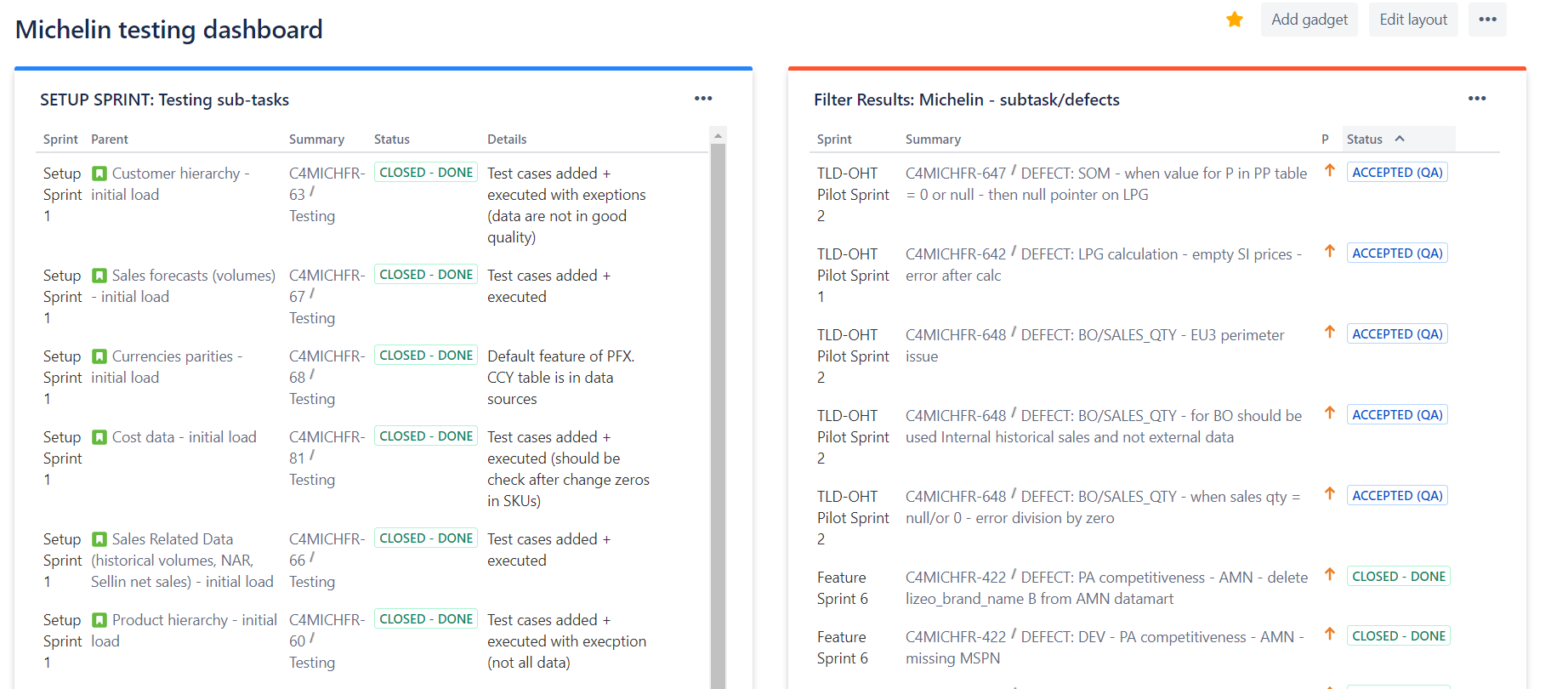
Dashboard for project Michelin
-
Preconditions are already created filters in Jira - see page with creation here: Using JIRA filters
Content
-
Testing sub-tasks,
-
Defect sub-tasks,
-
Stories in status Ready for review (QA/DEV),
-
Defect in sub-tasks in status in progress
-
Overal pie chart with status of testing sub-tasks
For all these boxes needs to be created Jira filters with proper permissions. How to do it is described here: Using JIRA filters
Screenshots
Dashboard creation
-
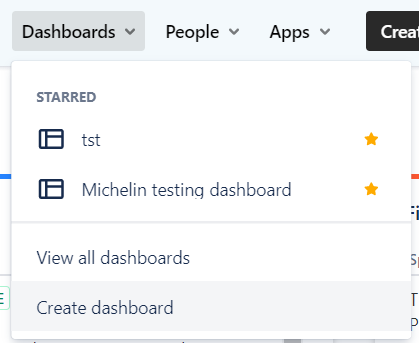
Go to Dashboards and click on Create dashboard
-
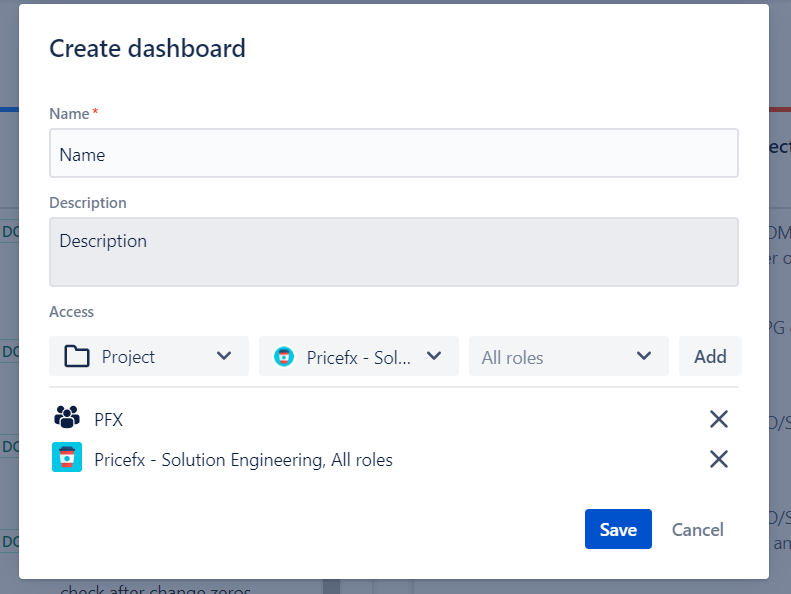
Put name, description, select permissions and save
-
Be aware that you are selecting only view for dashboards, but you need to select same permissions even for used filters in it. Described here: https://pricefx.atlassian.net/wiki/spaces/QAKB/pages/4776198692/Using+JIRA+filters#How-to-set-permissions-to-your-filter
-
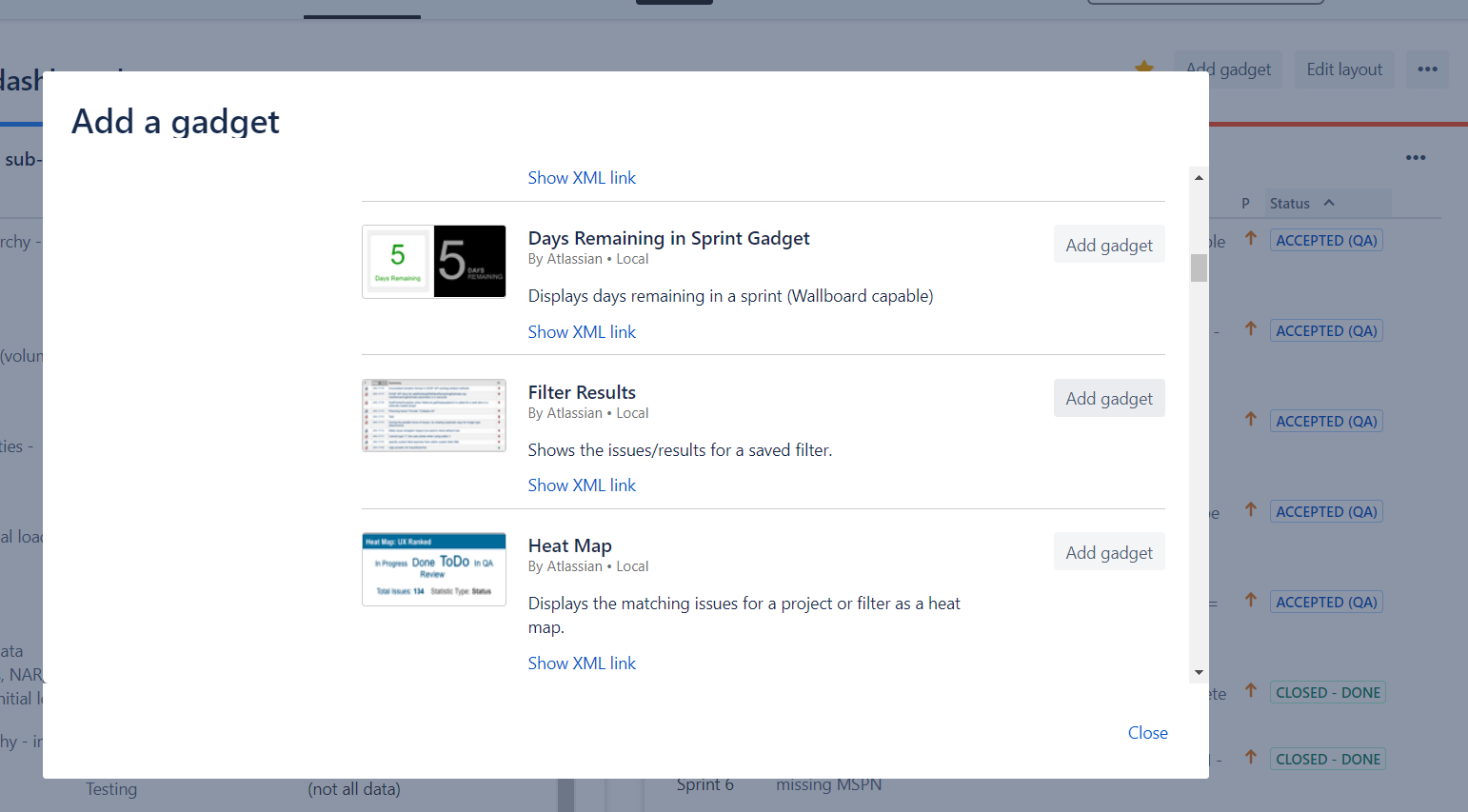
If you want to add you already prepared filter to dashboard, click on add gadget and select Filter Results
-
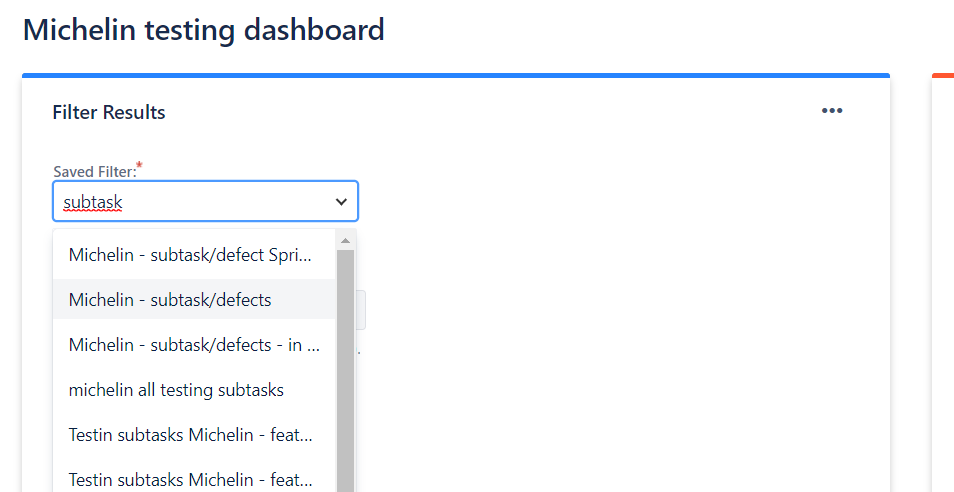
Now you need to select your already prepared filter
-
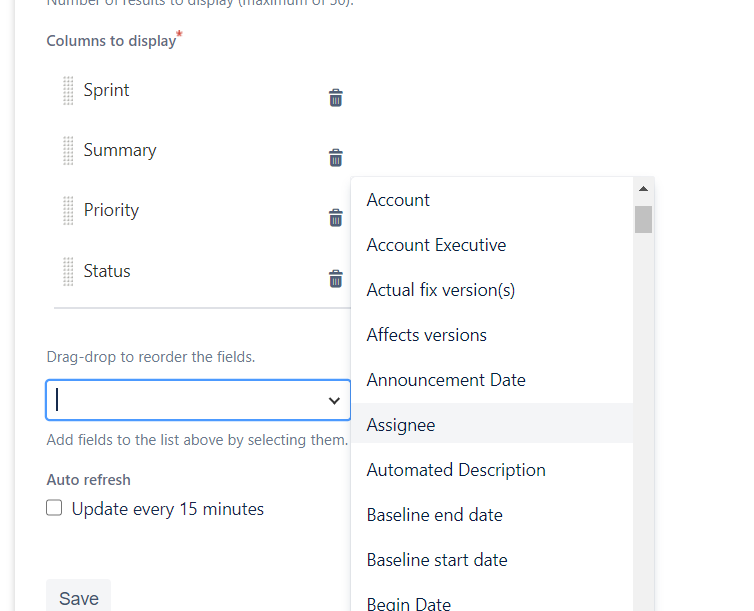
Then select columns to display (I use for defect sub-tasks - Sprint, Summary, Priority and Status).
-
It is possible to choose any attribute you want
-
Save gadget
Link to the example dashboard: here.