Once the FTP file upload has occurred, then PlatformManager will activate the integration template that we have deployed, it will log into the server, locate the CSV file, perform the data mapping and load the Product Master in our partition.
-
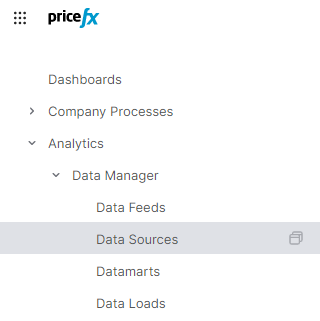
Return to our partition and select Analytics | Data Manager | Data Souce
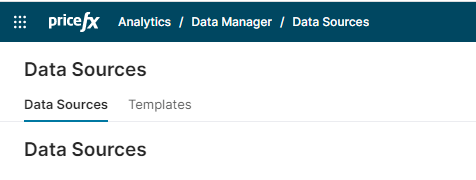
2. Select Transactions from list of Data Source tables:
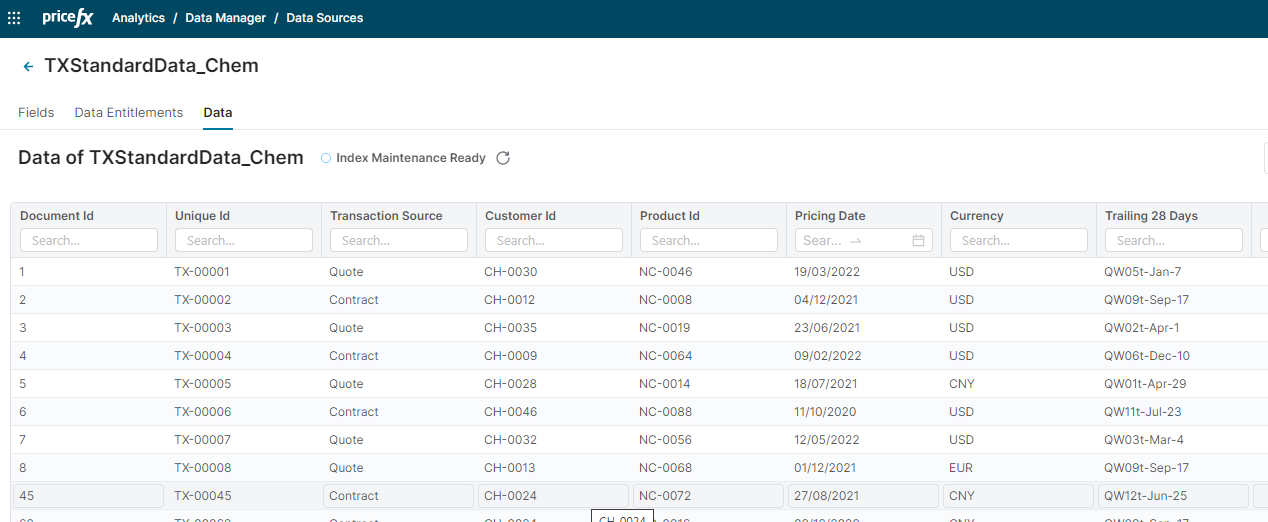
3. Click on the Data tab to view updated data: