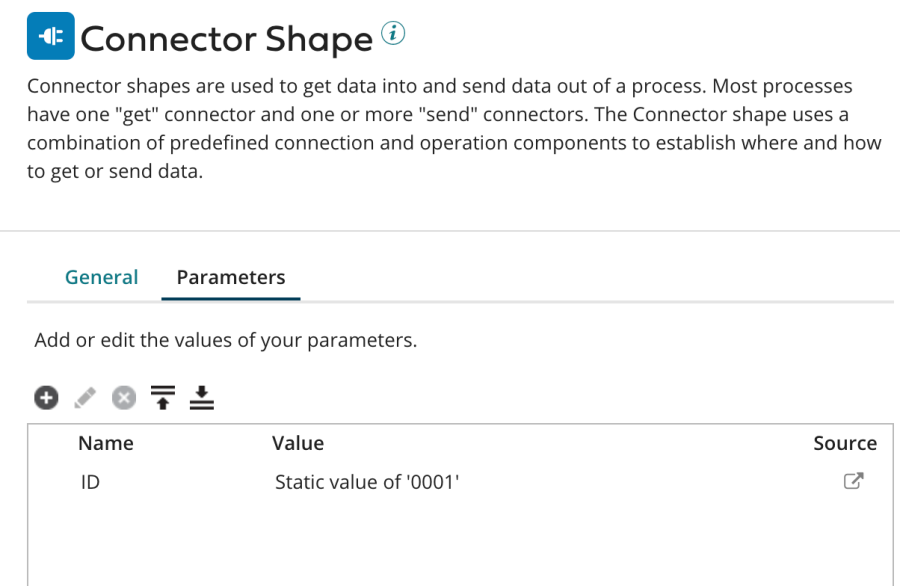
When you want to create a Get operation for Pricefx data, insert a Connector Shape and follow all the steps described in Create an Operation.
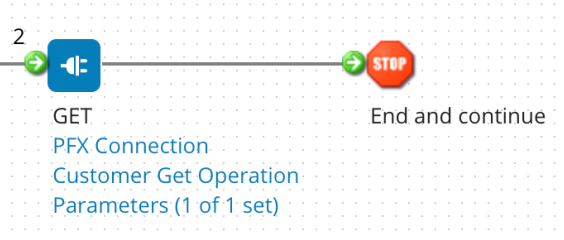
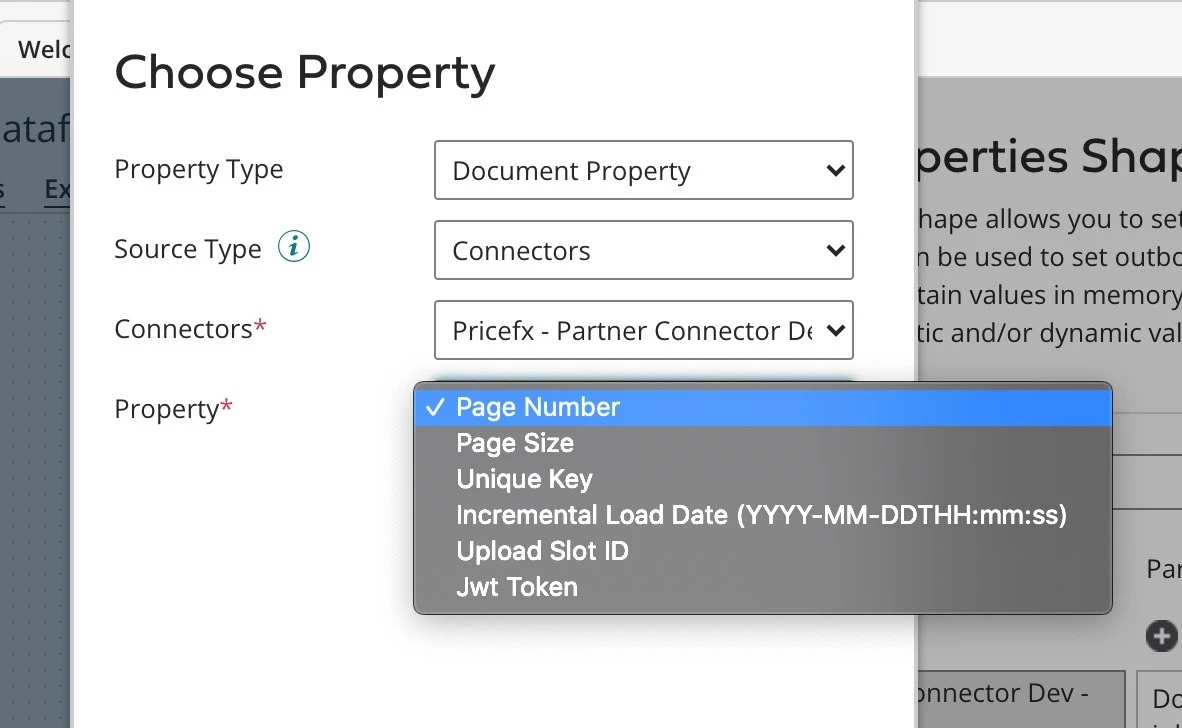
Page Number Document Property is mandatory and has to be set up before the Pricefx connector shape. The default page size is 500. Page size can be overridden to a value smaller than 500.
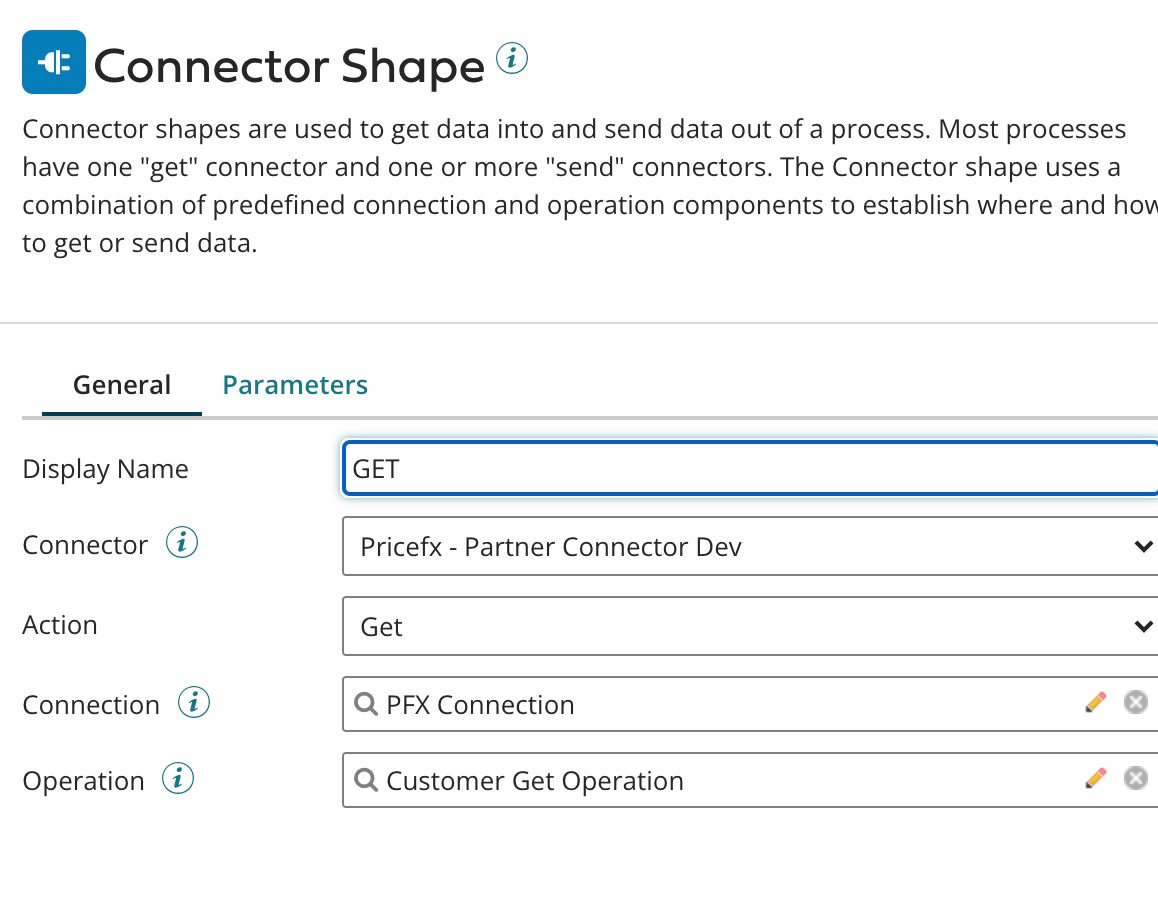
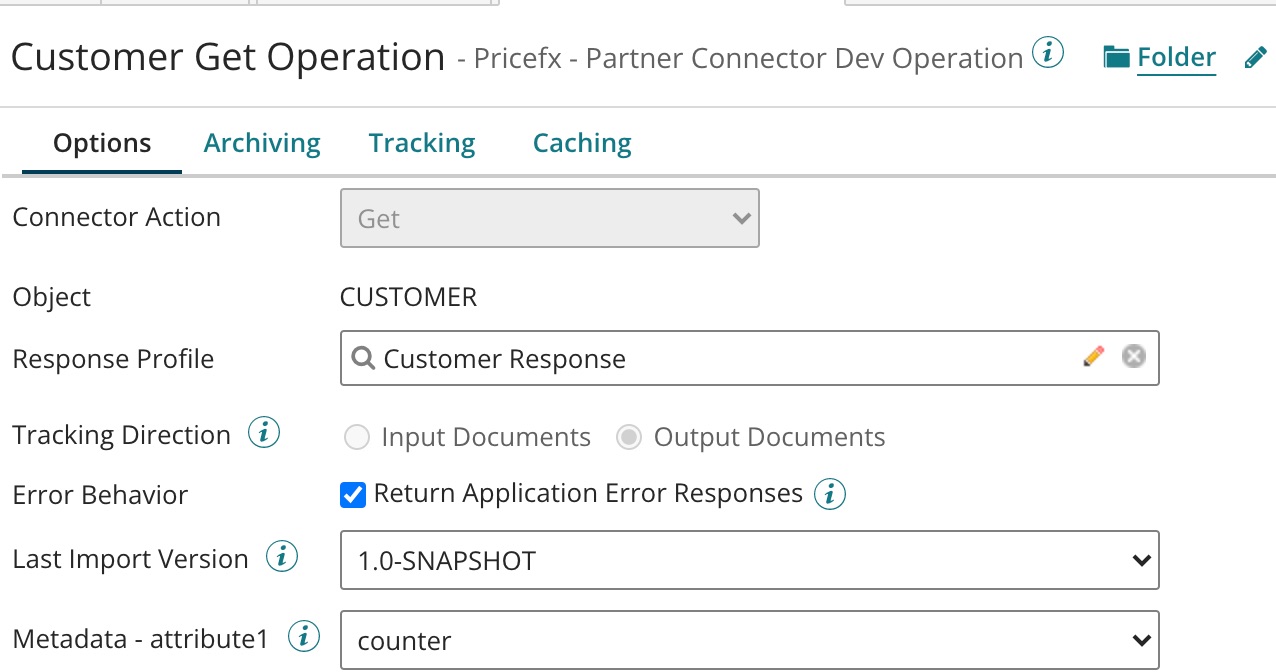
In Step 2, the setup should look like this:
The last field 'Operation' (which relates to Step 7 in the common flow) has the following options.
Parameters
One parameter is required for Standard Get Operation in Boomi.
To learn more about business key of each object type, refer to Appendix: Business Keys of Pricefx Object Types.