
Here you can define integration tags for Manual Price Lists.
These integration tags can be used in filters which work with element names. As Manual Price Lists do not have any calculation logic behind and therefore there are no element names to refer to, you can assign an integration tag to a MPL column and use it in a filter.
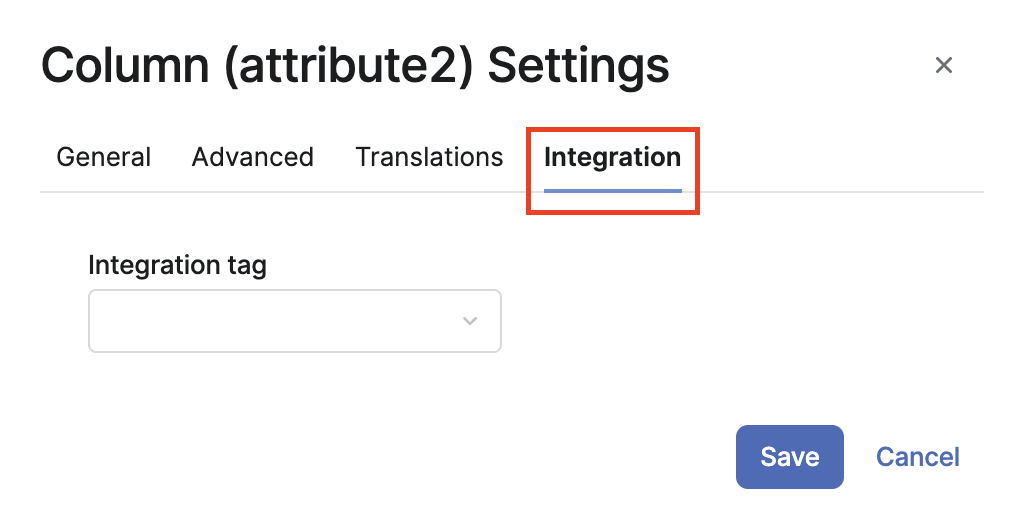
These tags can be selected in the Column Settings dialog of a Manual Price List.
To add a new tag:
-
Go to Administration > Configuration > Price Setting > Integration Tags.
-
Click the Add button. Enter a Name and a Label.
You can also (mass) delete the selected tag(s).