To create a new Dashboard:
-
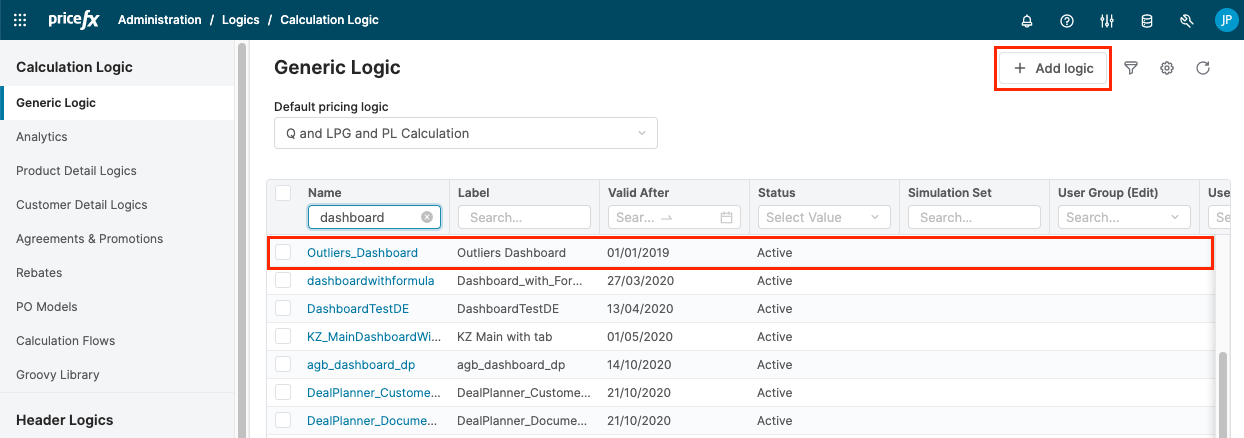
In Administration > Logics > Generic Logic, create a new logic.
-
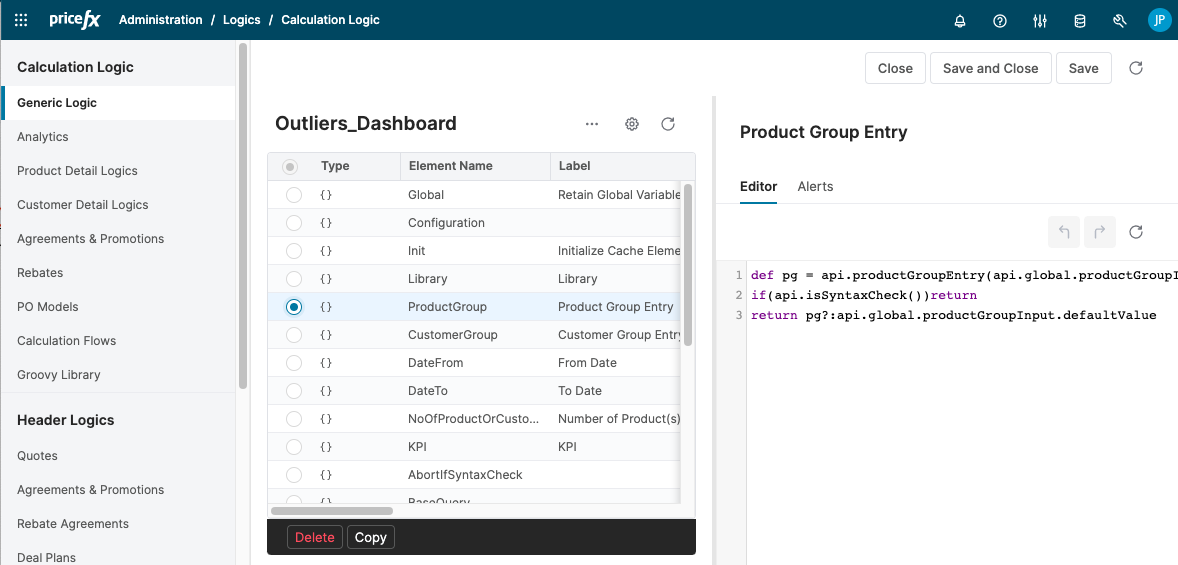
Open the new logic and create elements which provide the content of portlets and ask for user input.
-
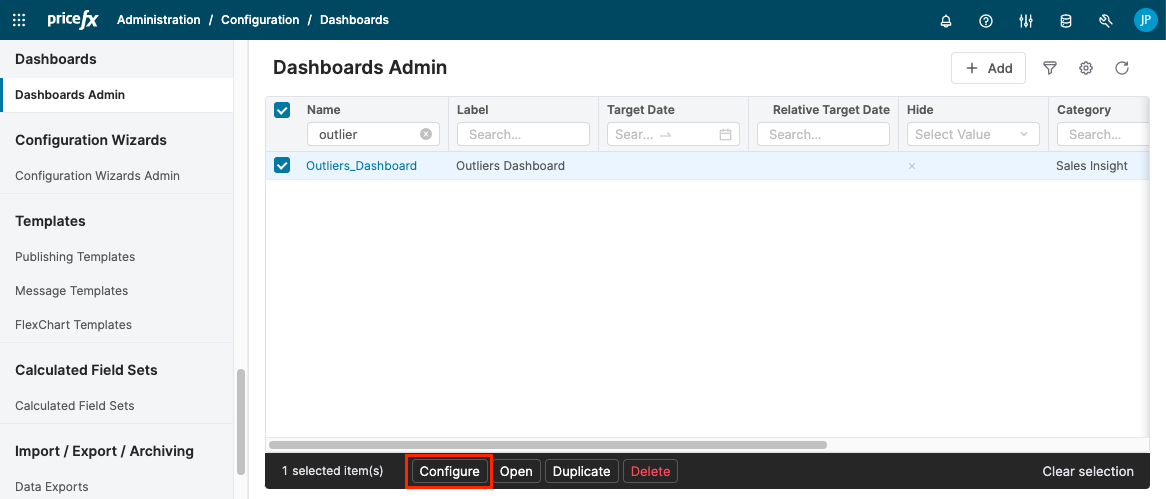
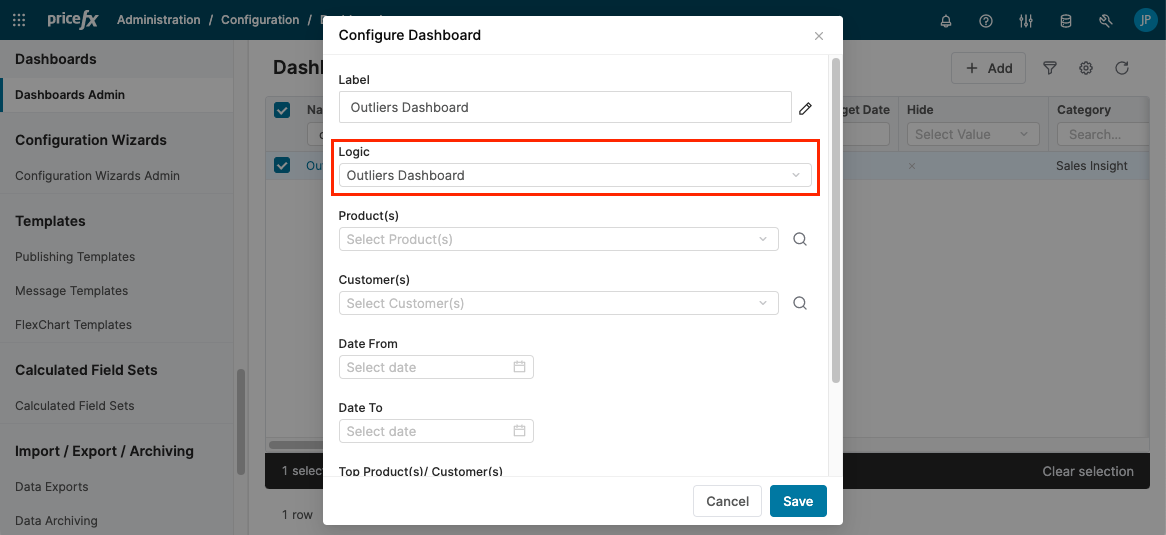
In Administration > Configuration > Dashboards Admin create a new dashboard, select it from the list and click the Configure button.
-
Assign your logic to the dashboard.
-
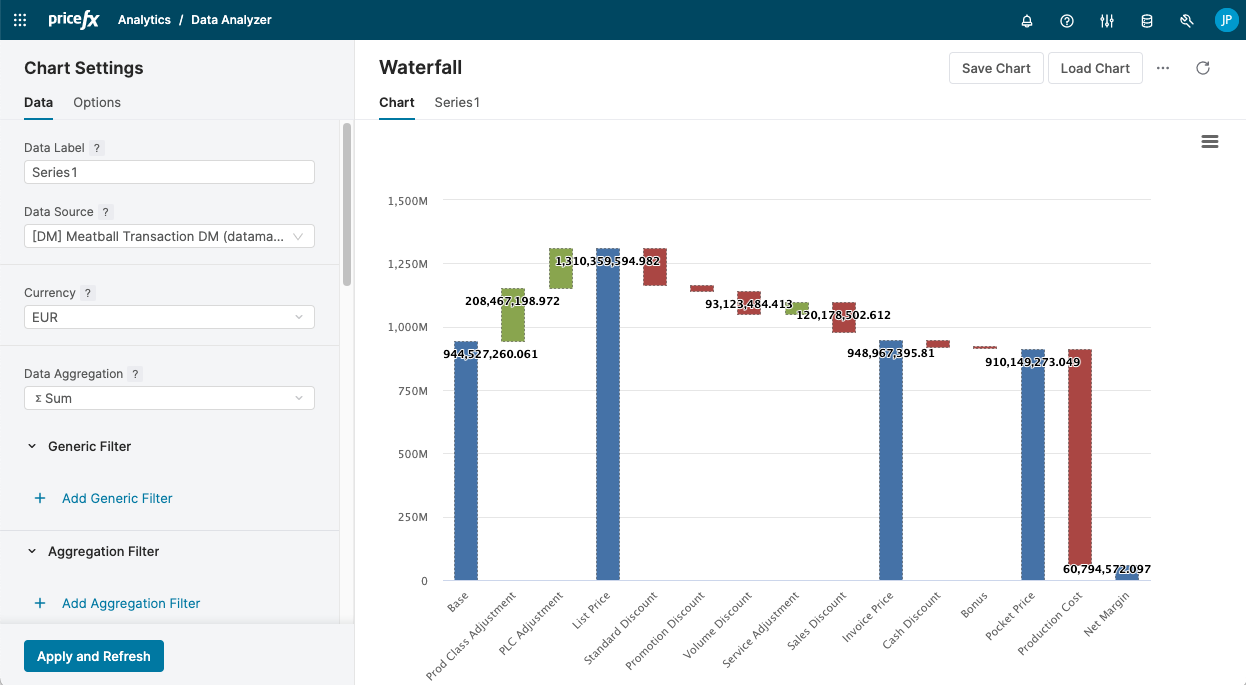
In Analytics > Data Analyzer and create a new Waterfall chart.
-
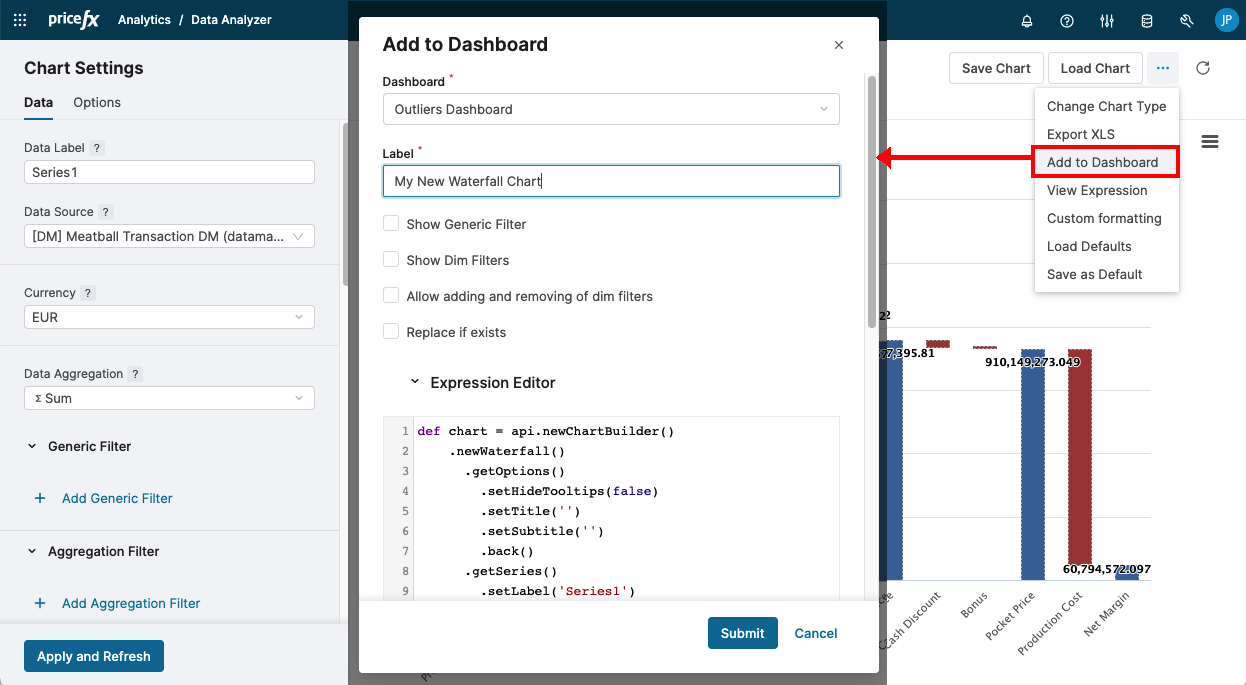
Add the chart into the Dashboard (into the list of Portlets).
-
Go to the Dashboards page
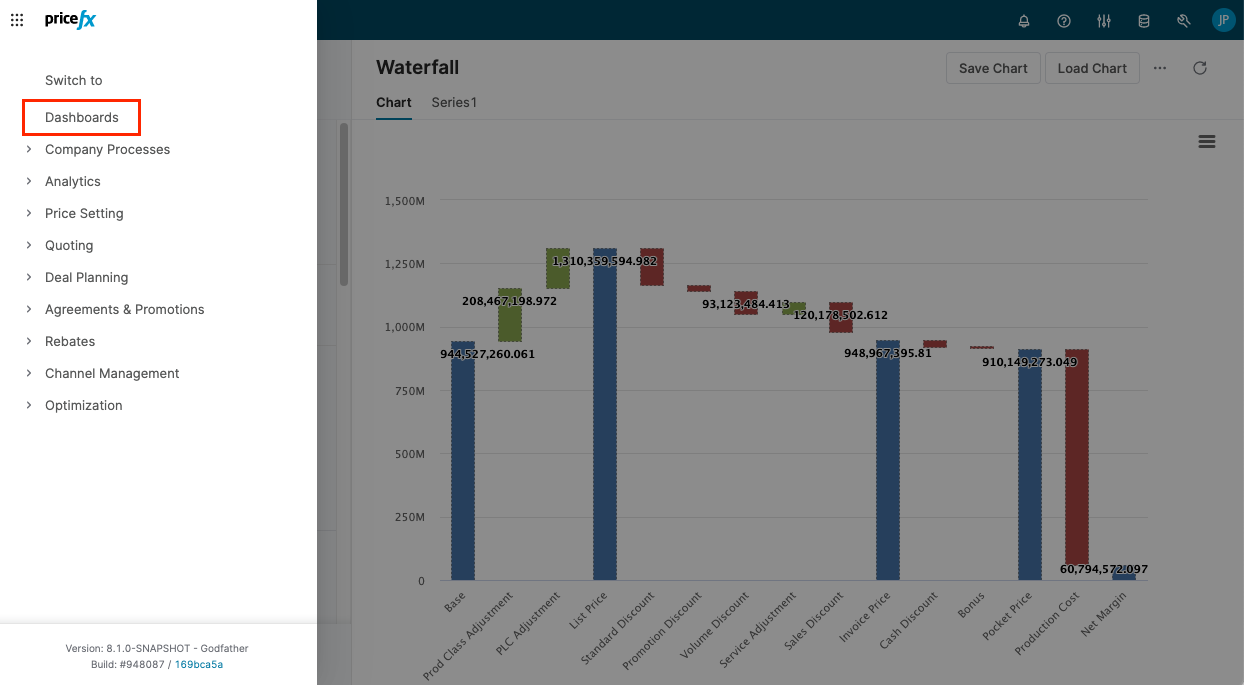
and open the newly created dashboard.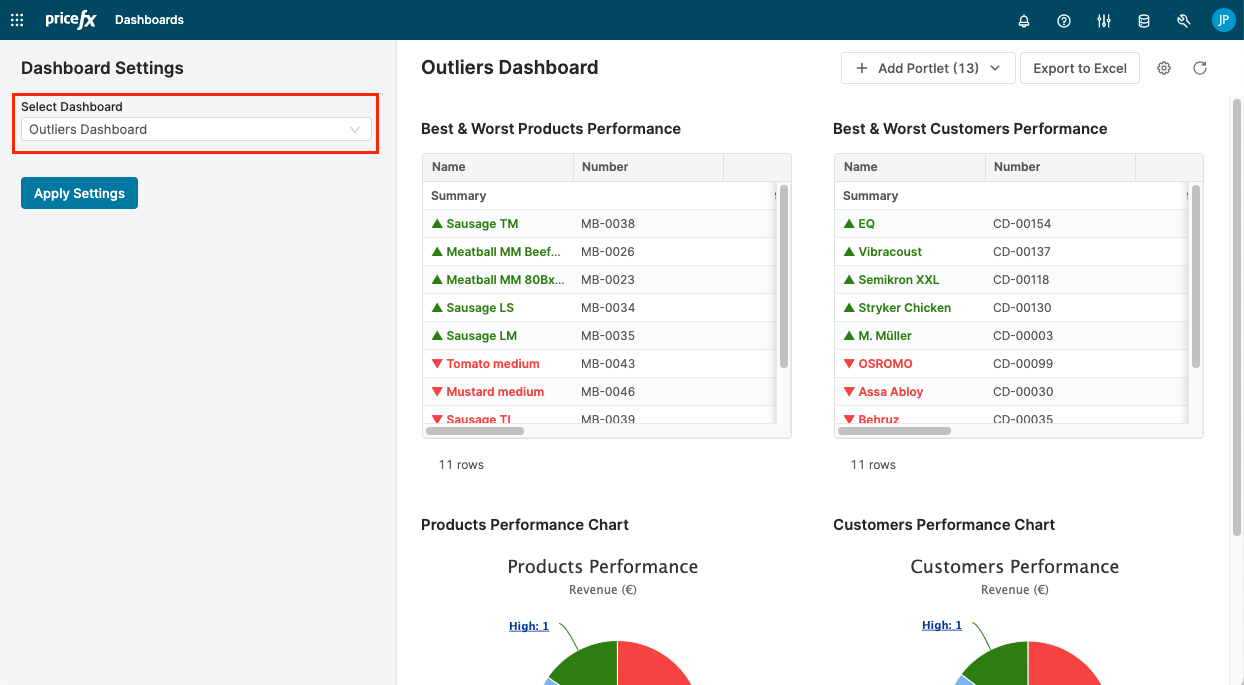
-
Customize the layout and add/remove portlets (using the Hide and Add Portlet options).
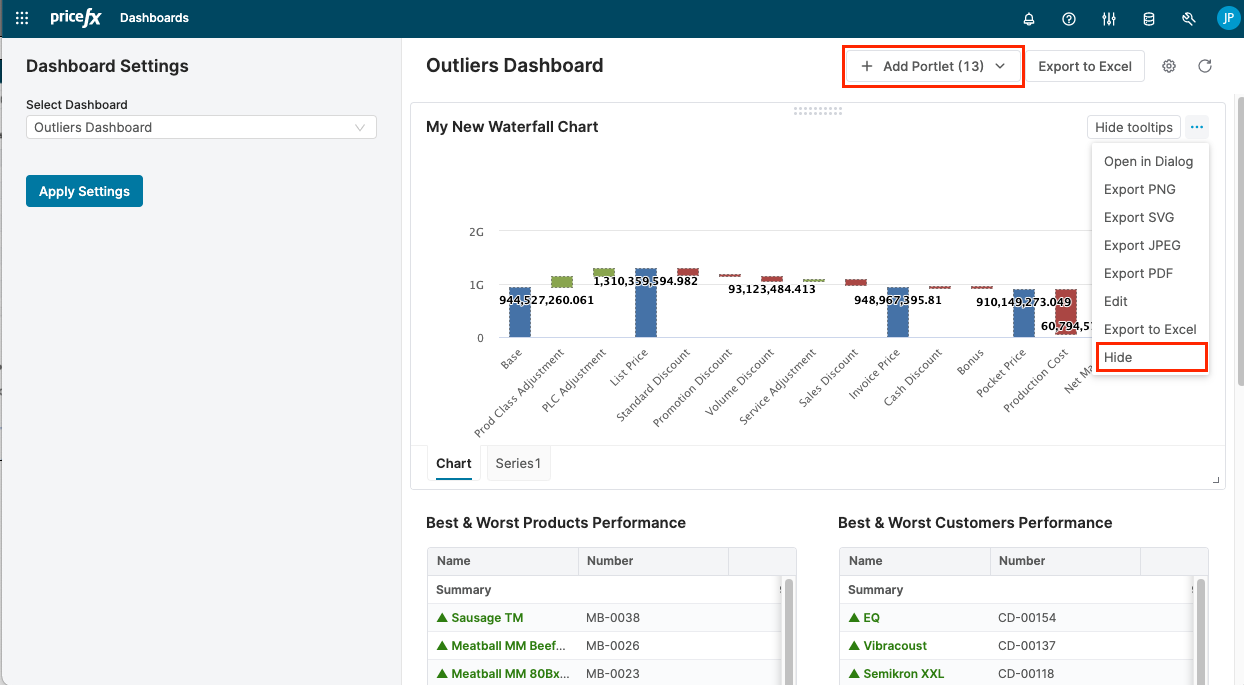
-
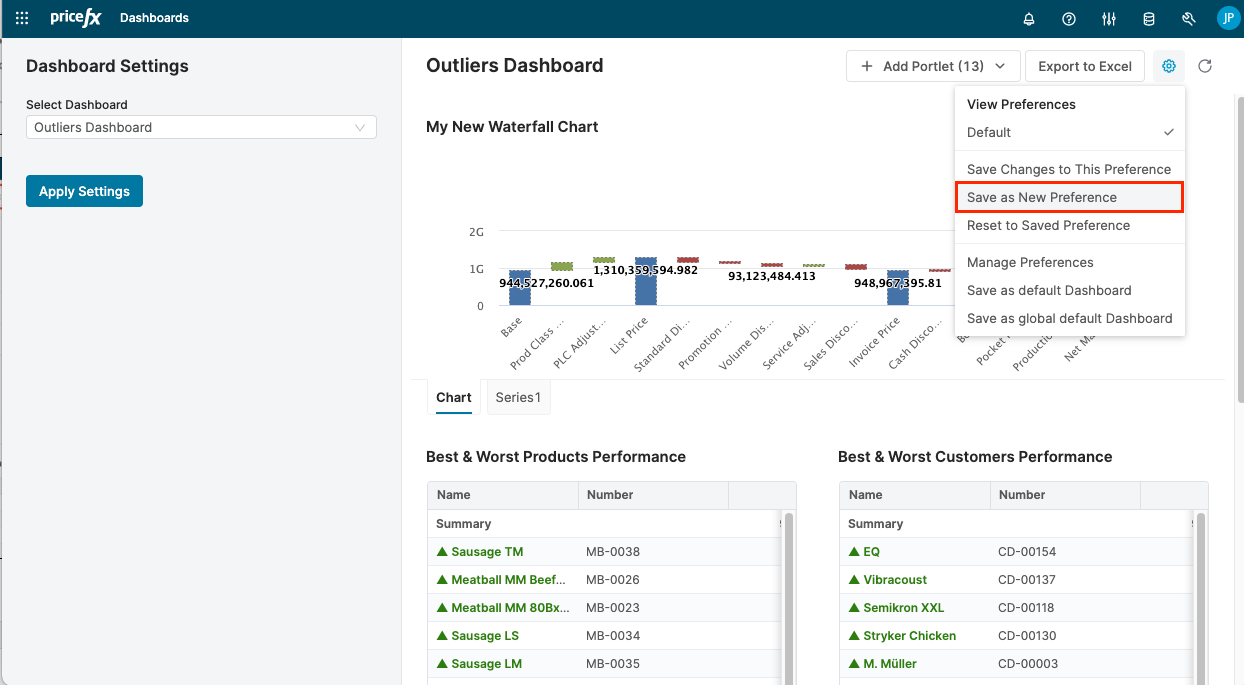
In the Dashboard Options menu select the Save as New Preference option.