Working with Groovy Console
There are times when you want to run some code without creating a logic. The PFX Studio has the Groovy console for this.
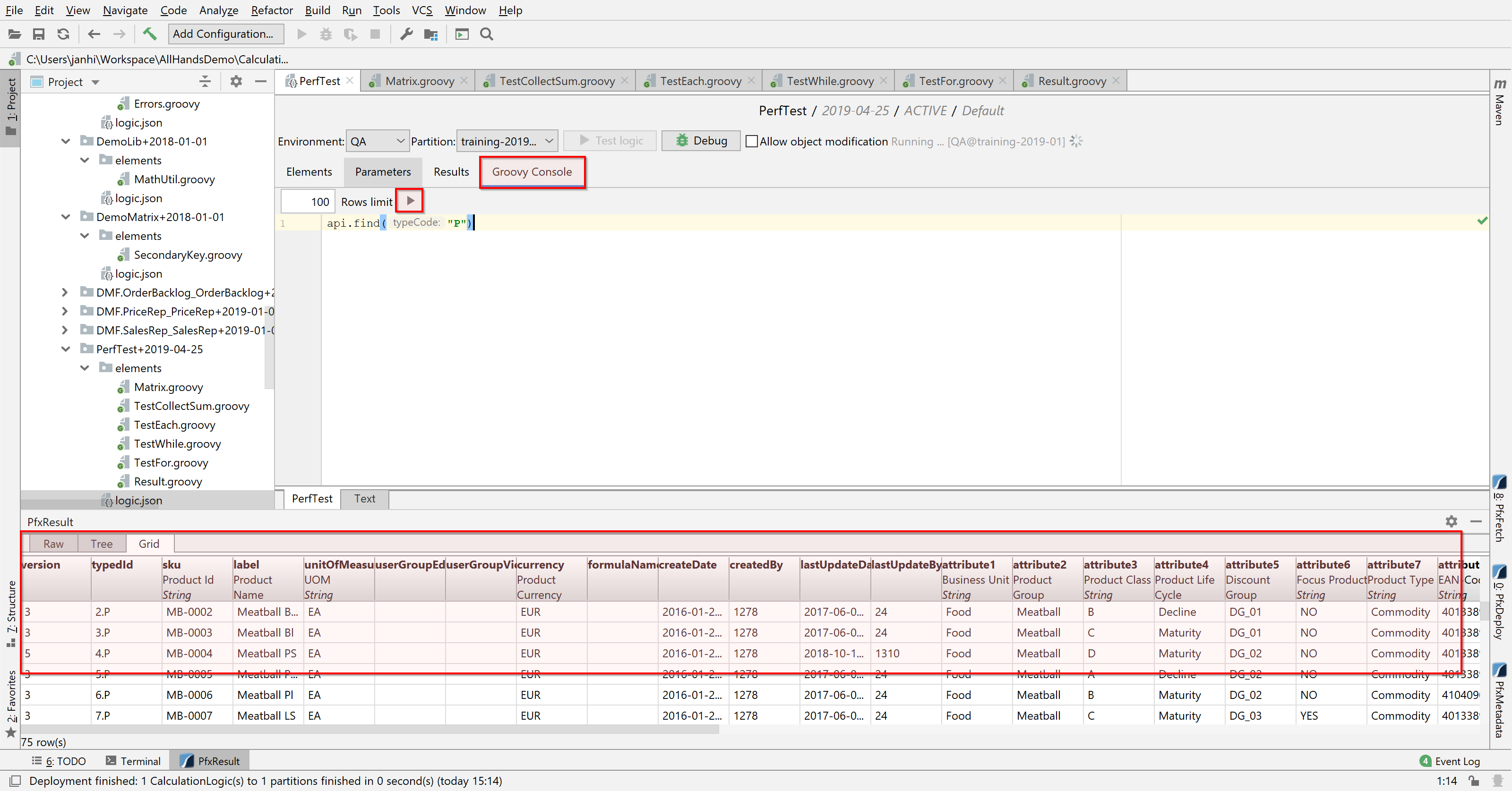
You can open the Groovy console by opening your logic.json file and clicking on the Groovy Console tab. Put in your code, select the row limit and press the ▶ button. The results will appear at the bottom of the screen in a neatly formatted matrix.
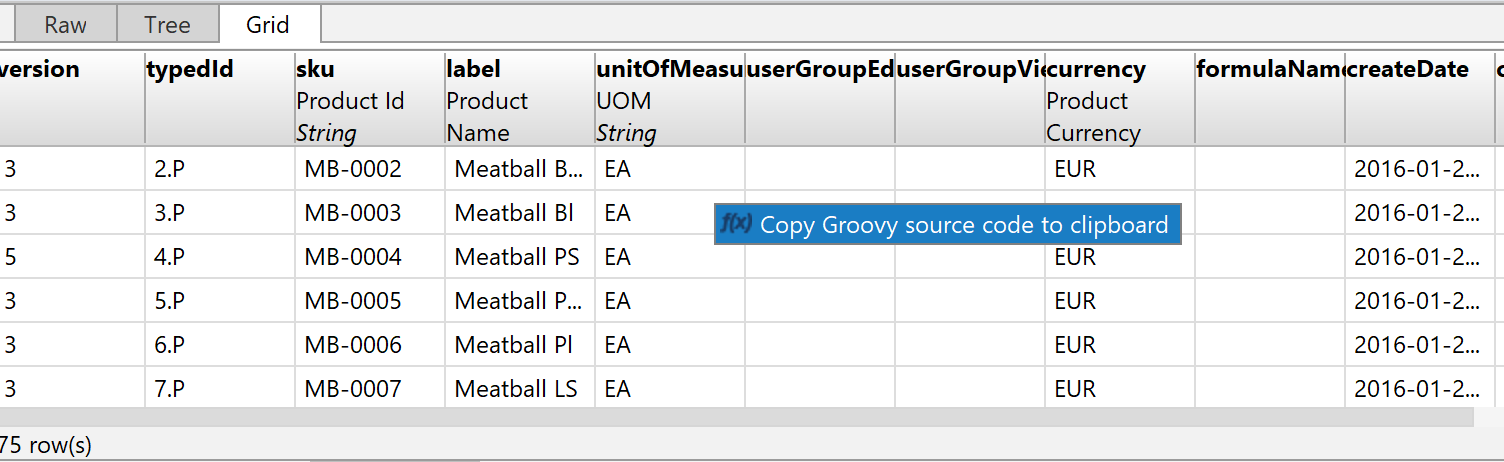
You can even right-click the matrix and copy Groovy source code to the clipboard and then paste it to your logic element. This is very useful when preparing some debug data for a logic.